Mood journal for iPhone and Mac

Your mood, as weather.

Pick one of five moods, from storm to clear sky. Name the feeling, add a note, and watch the month fill in with color.

iPhone Duo support
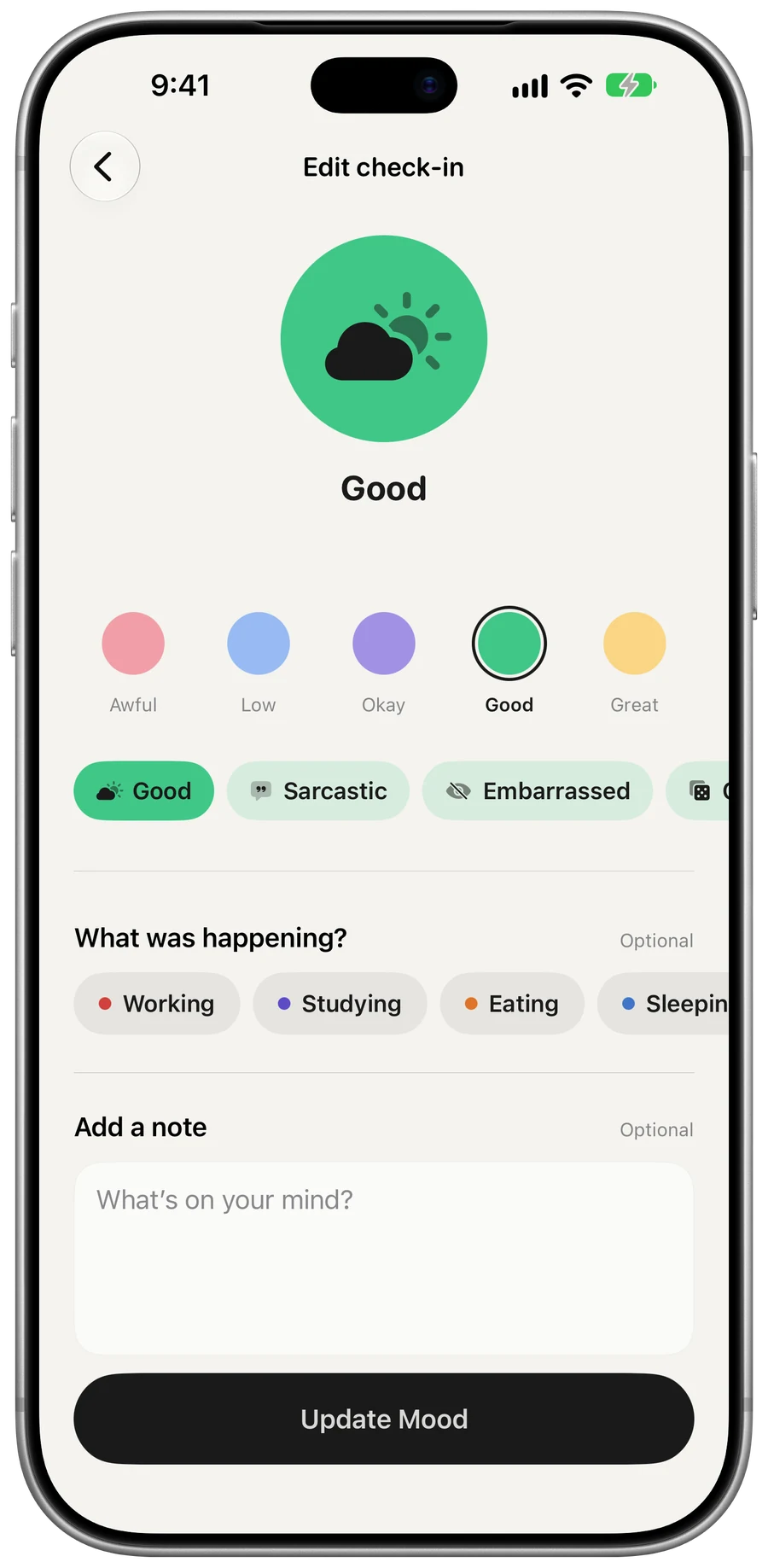
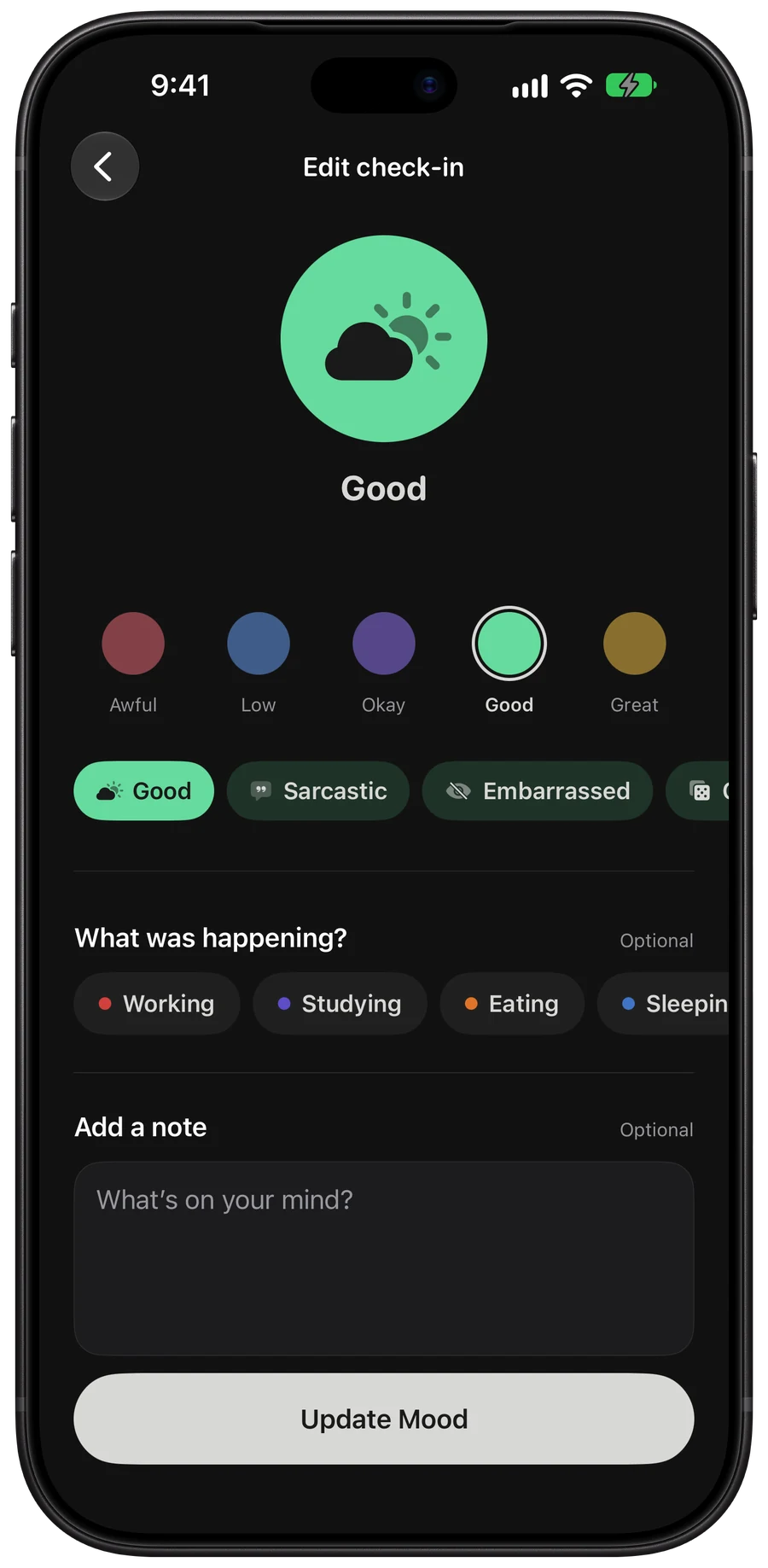
The check-in screen with Good picked: a green partly sunny disc, the five moods, feelings as chips and activities.The check-in screen with Good picked: a green partly sunny disc, the five moods, feelings as chips and activities.
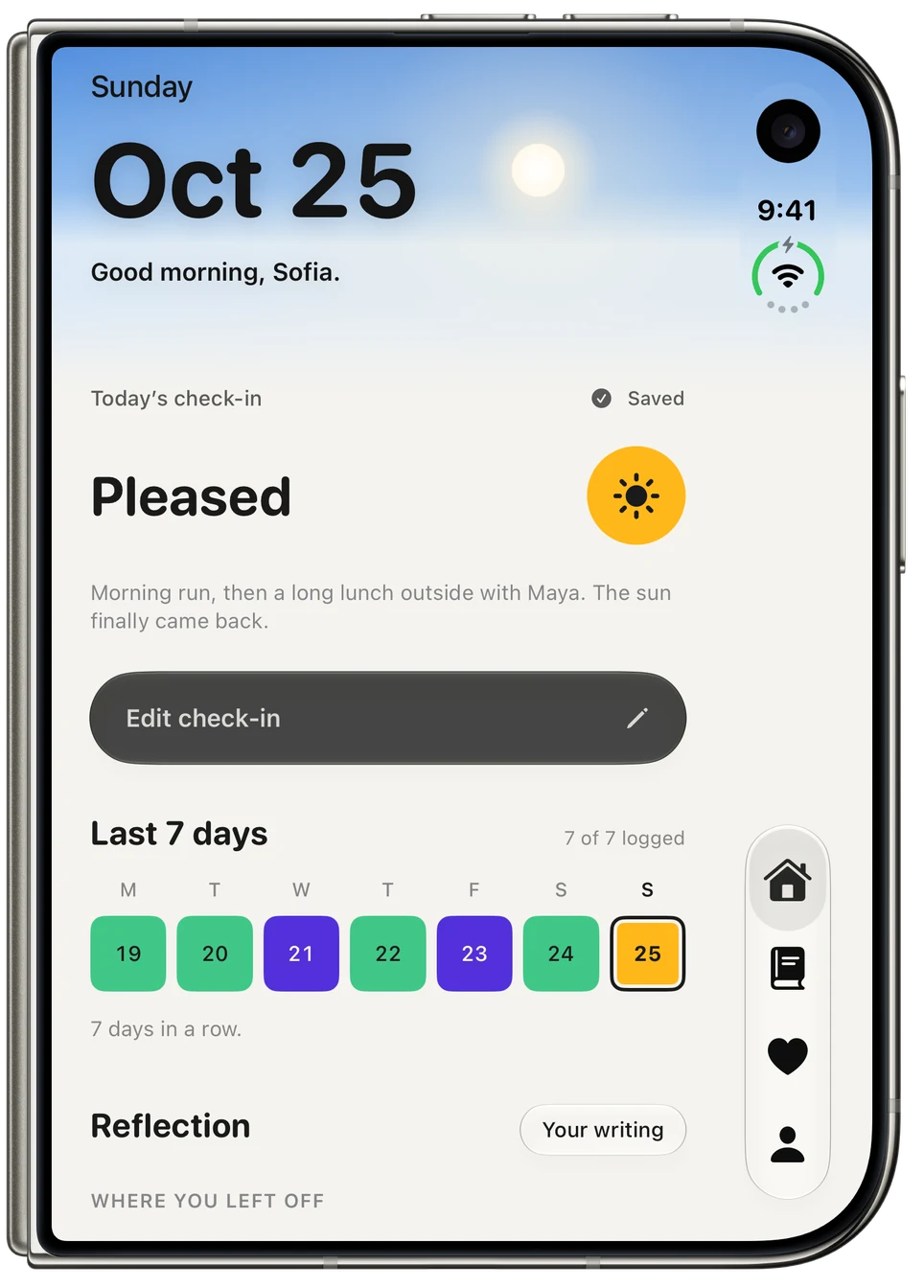
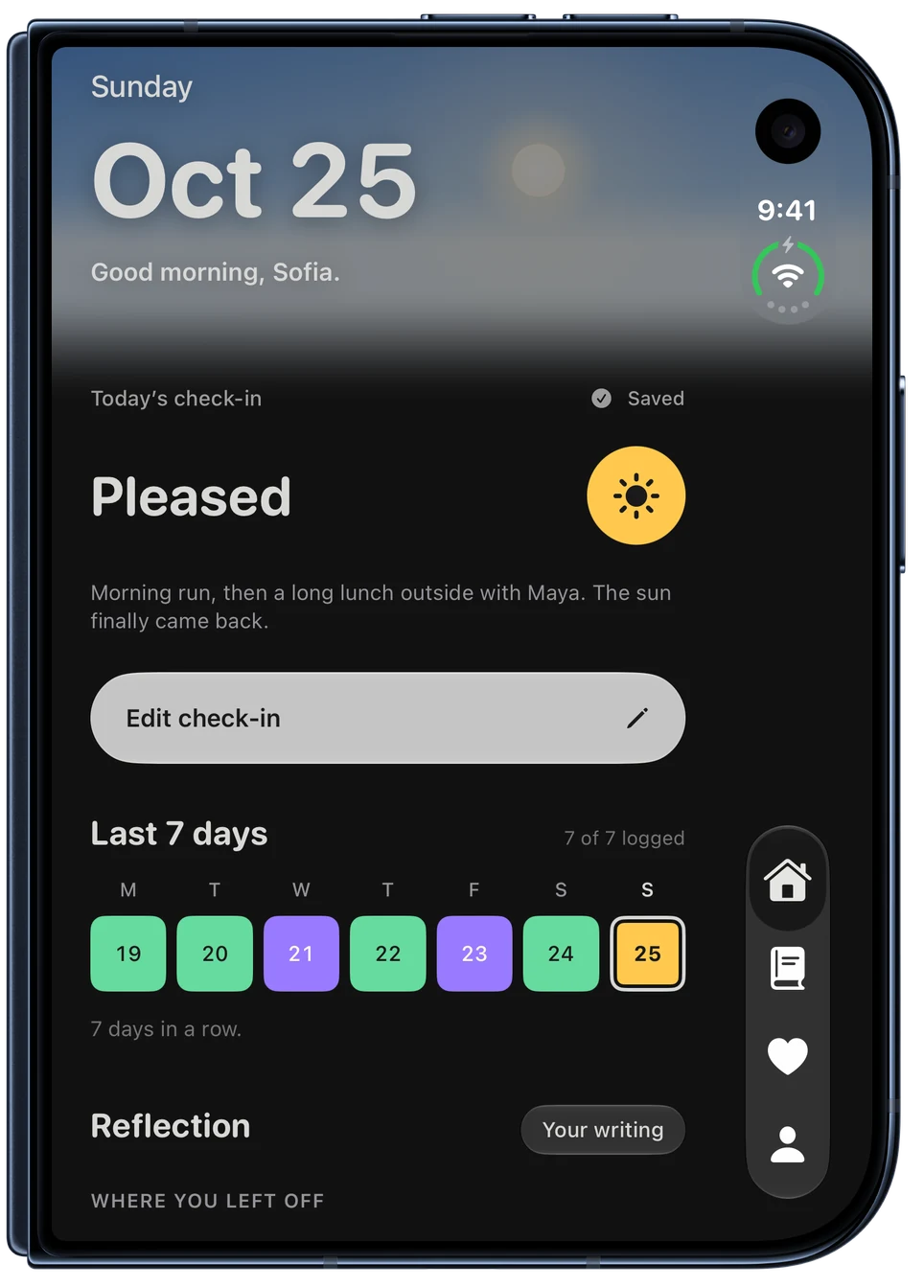
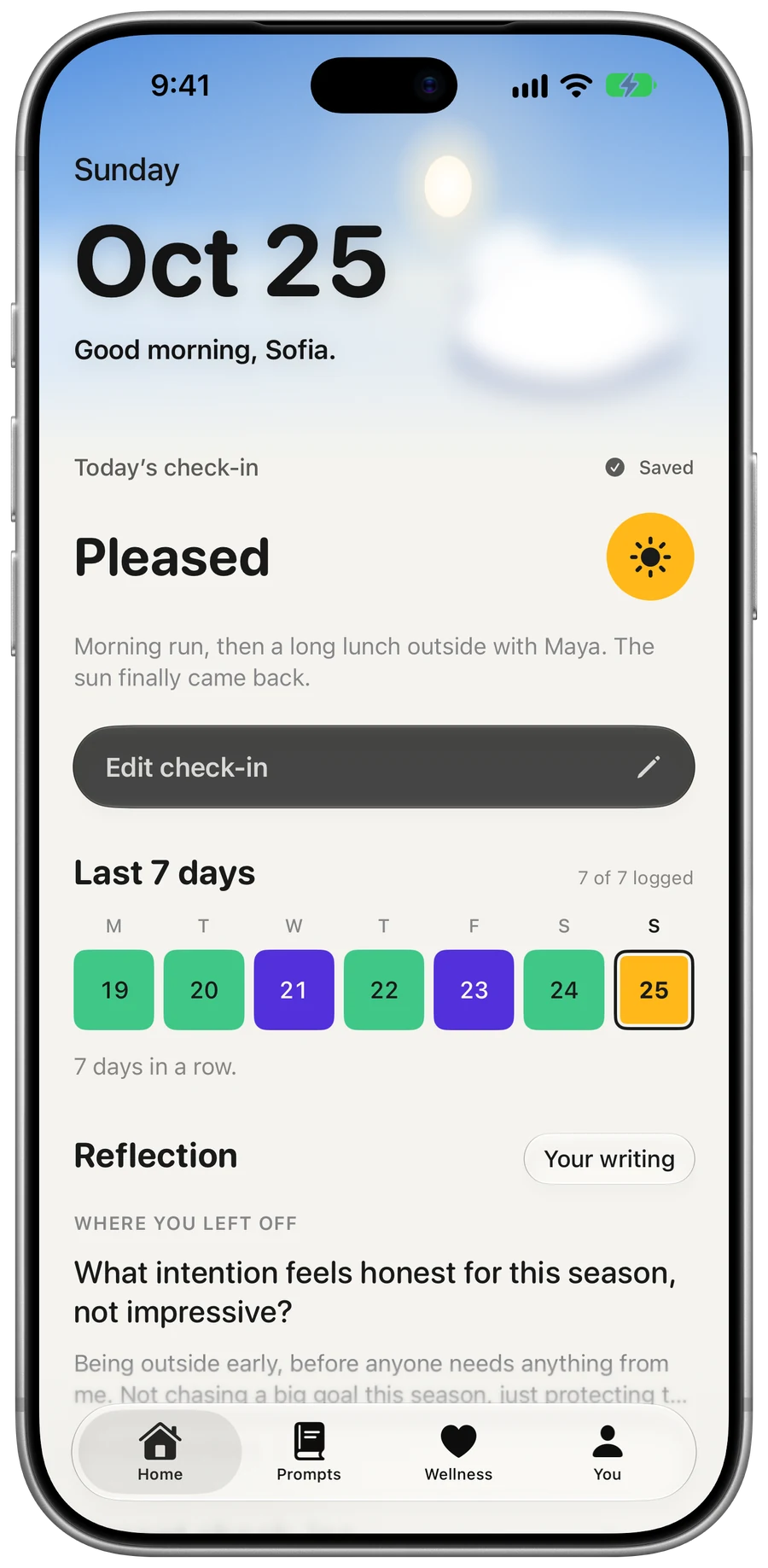
Home at 9:41 in the morning: a blue sky, today’s check-in of Pleased with a note, the last seven days in mood colors and a reflection.Home at 9:41 in the morning: a blue sky, today’s check-in of Pleased with a note, the last seven days in mood colors and a reflection.
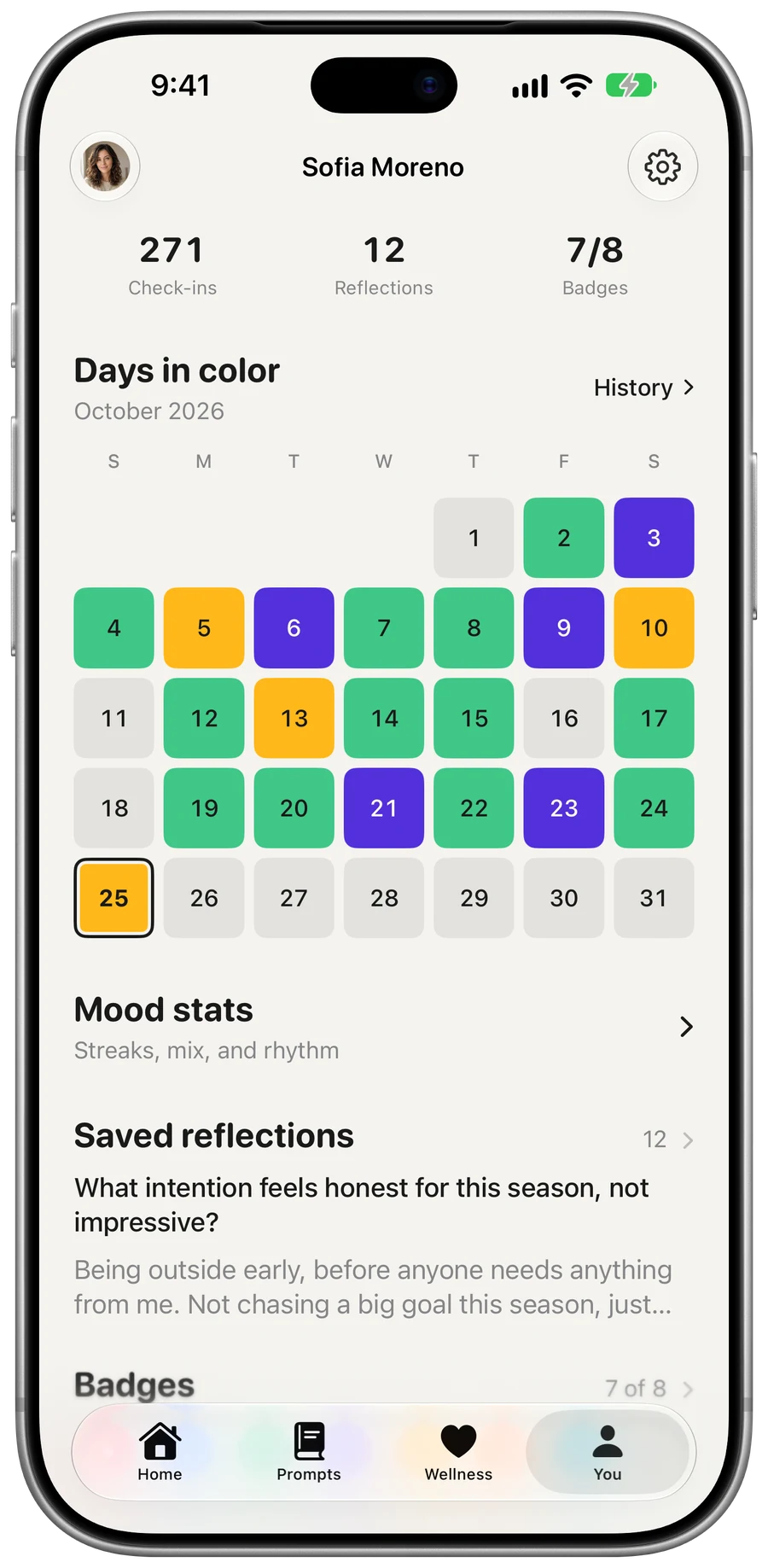
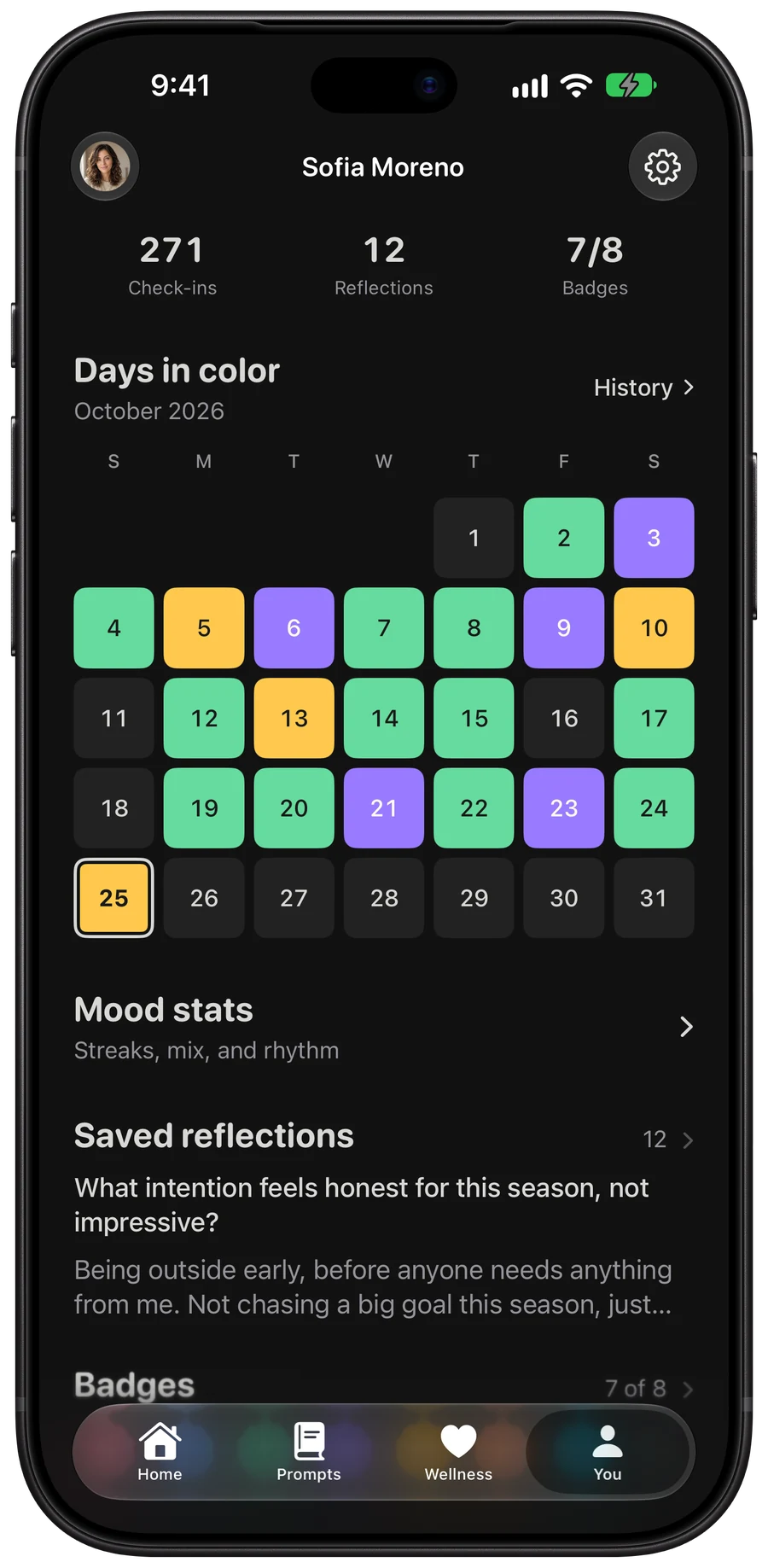
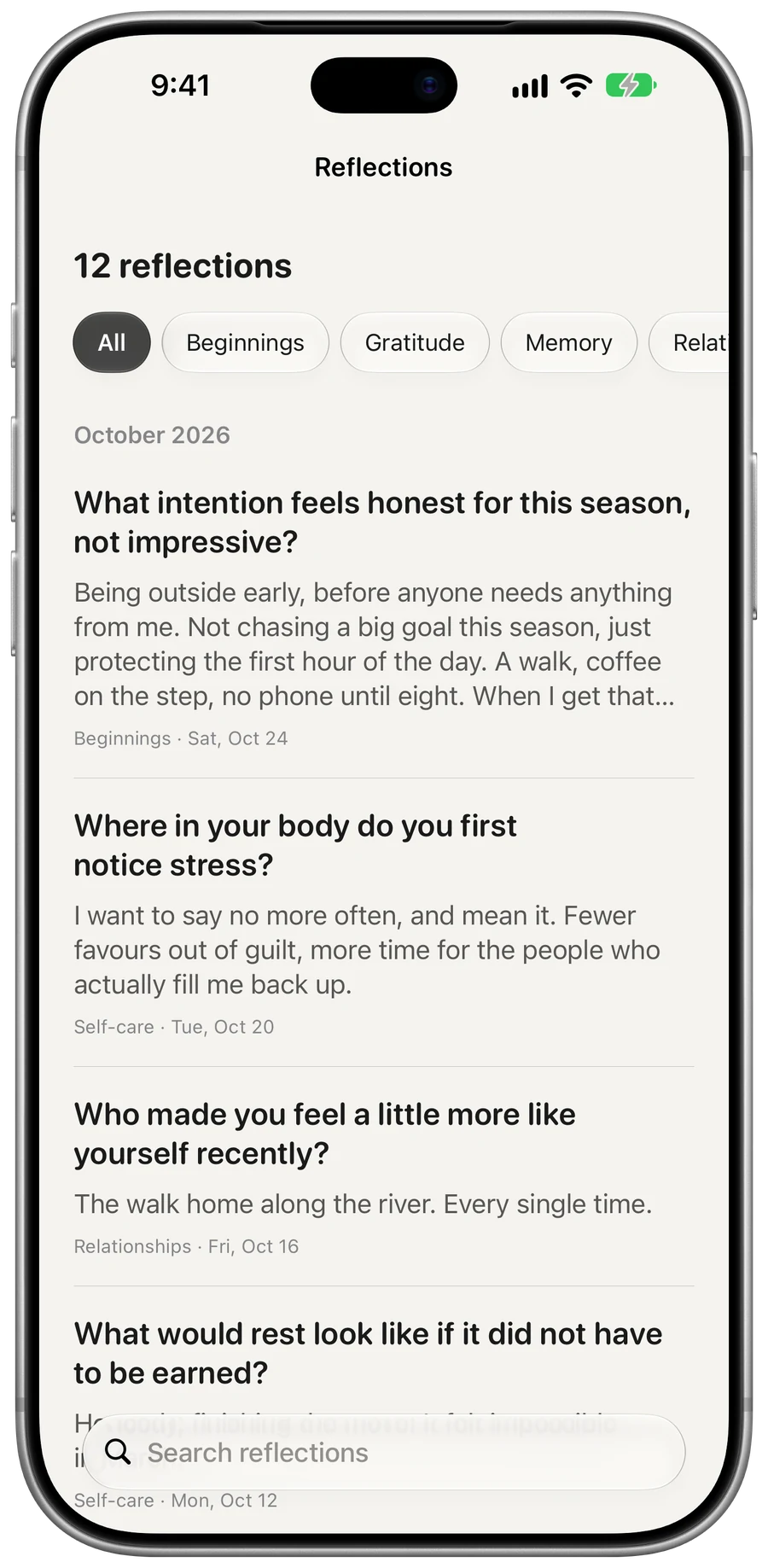
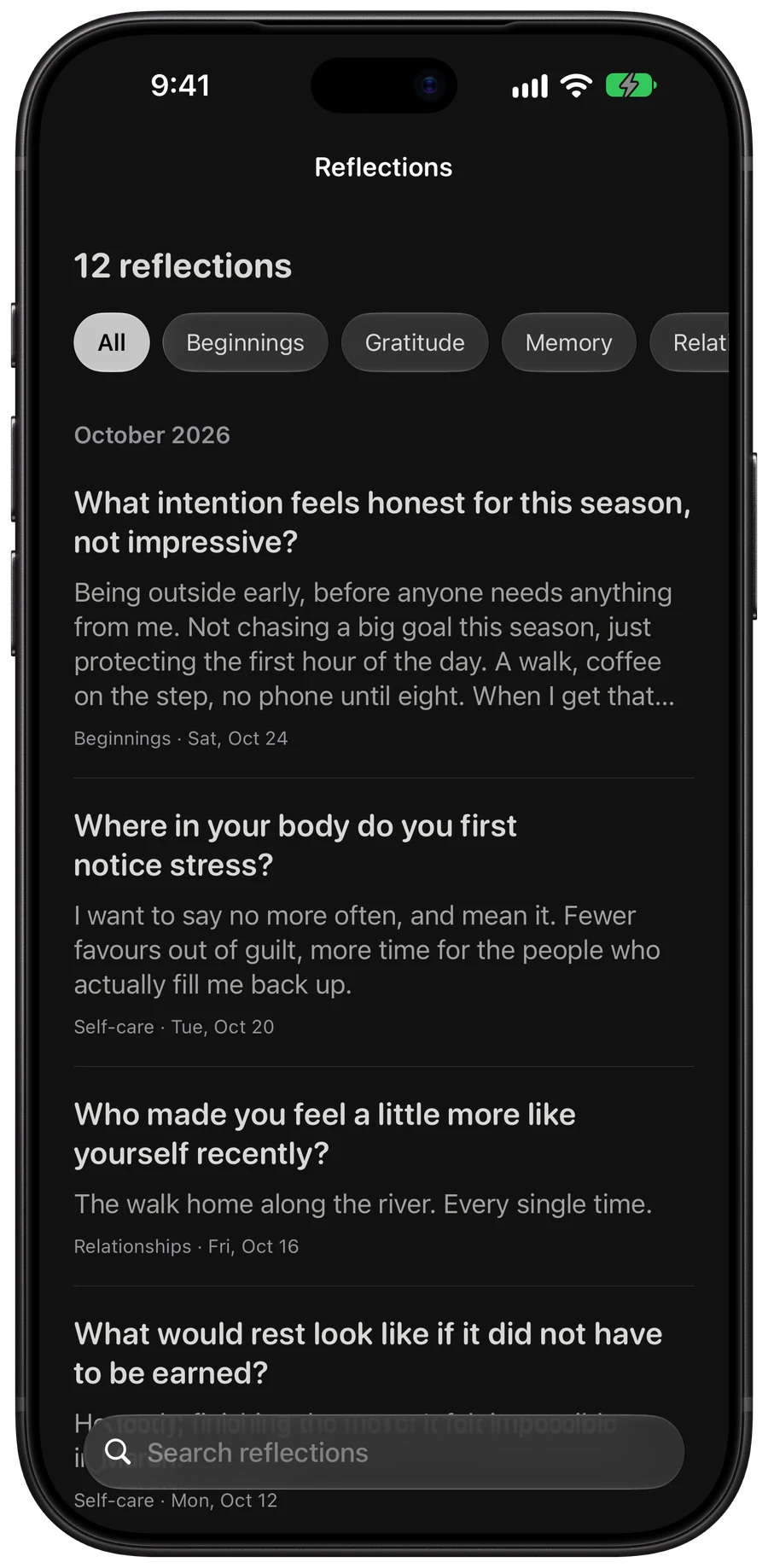
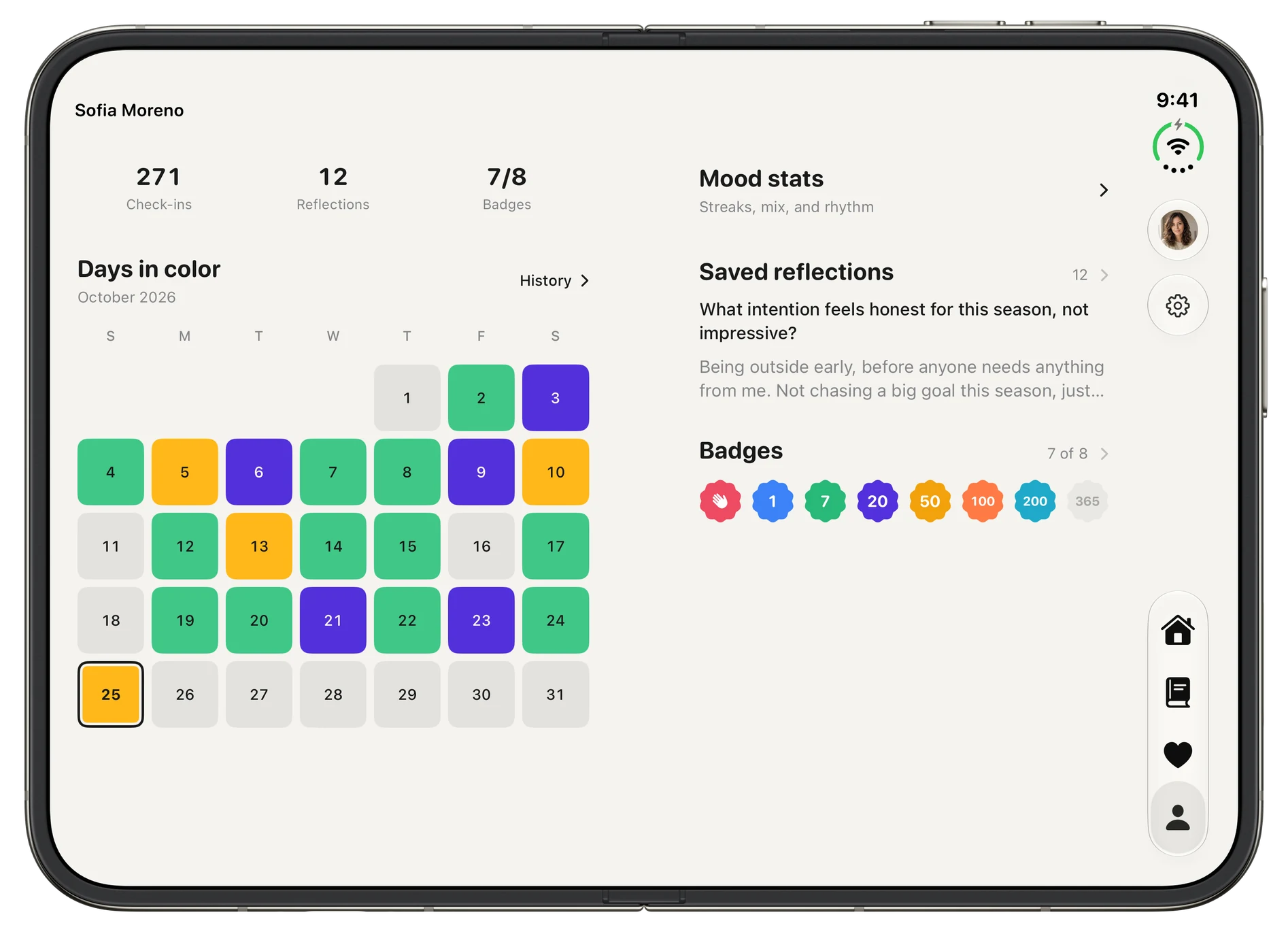
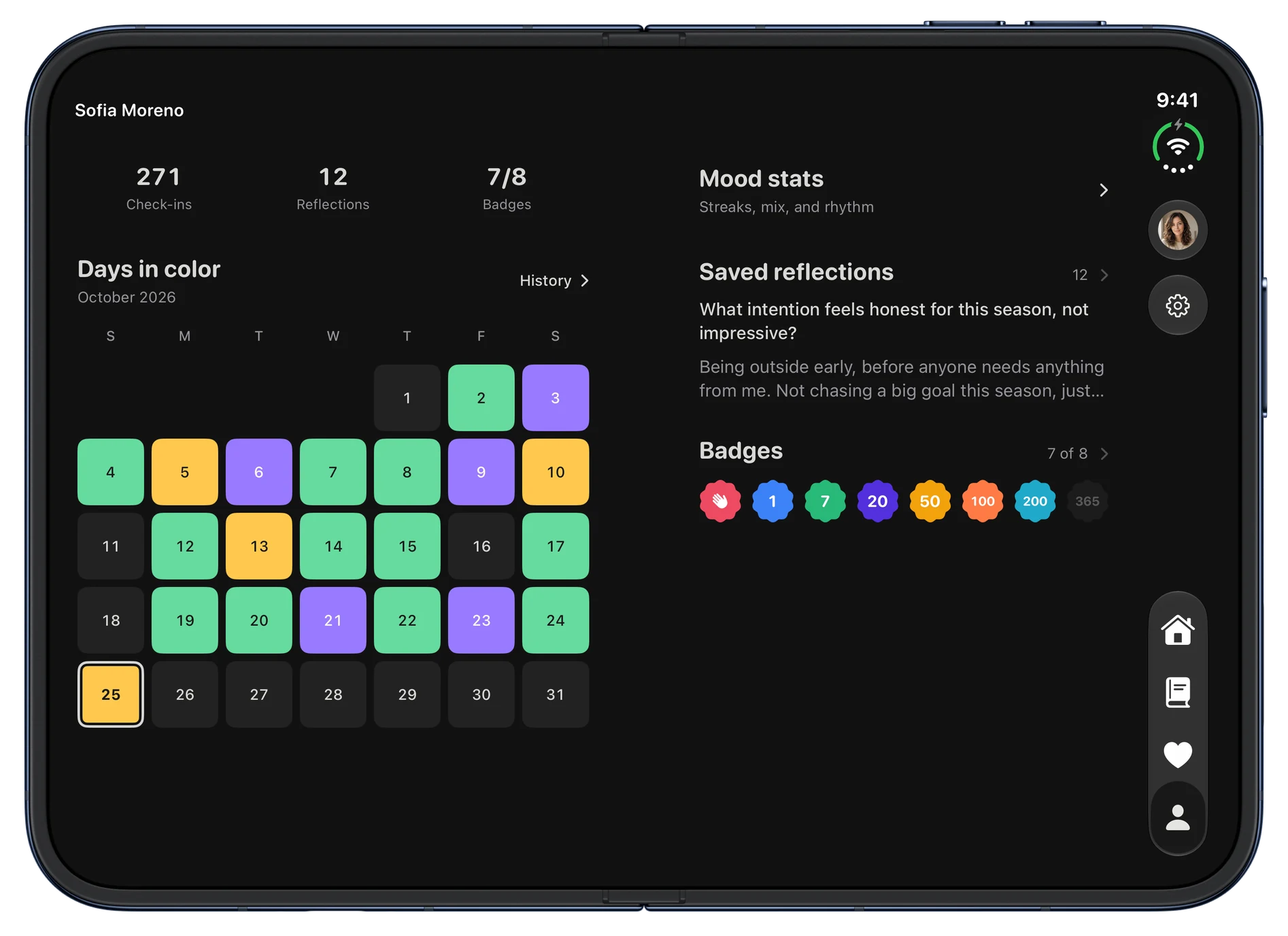
The You tab: 271 check-ins, 12 reflections, 7 of 8 badges, and October’s calendar with each day in its mood color.The You tab: 271 check-ins, 12 reflections, 7 of 8 badges, and October’s calendar with each day in its mood color.

Home

The sky follows the sun where you are.

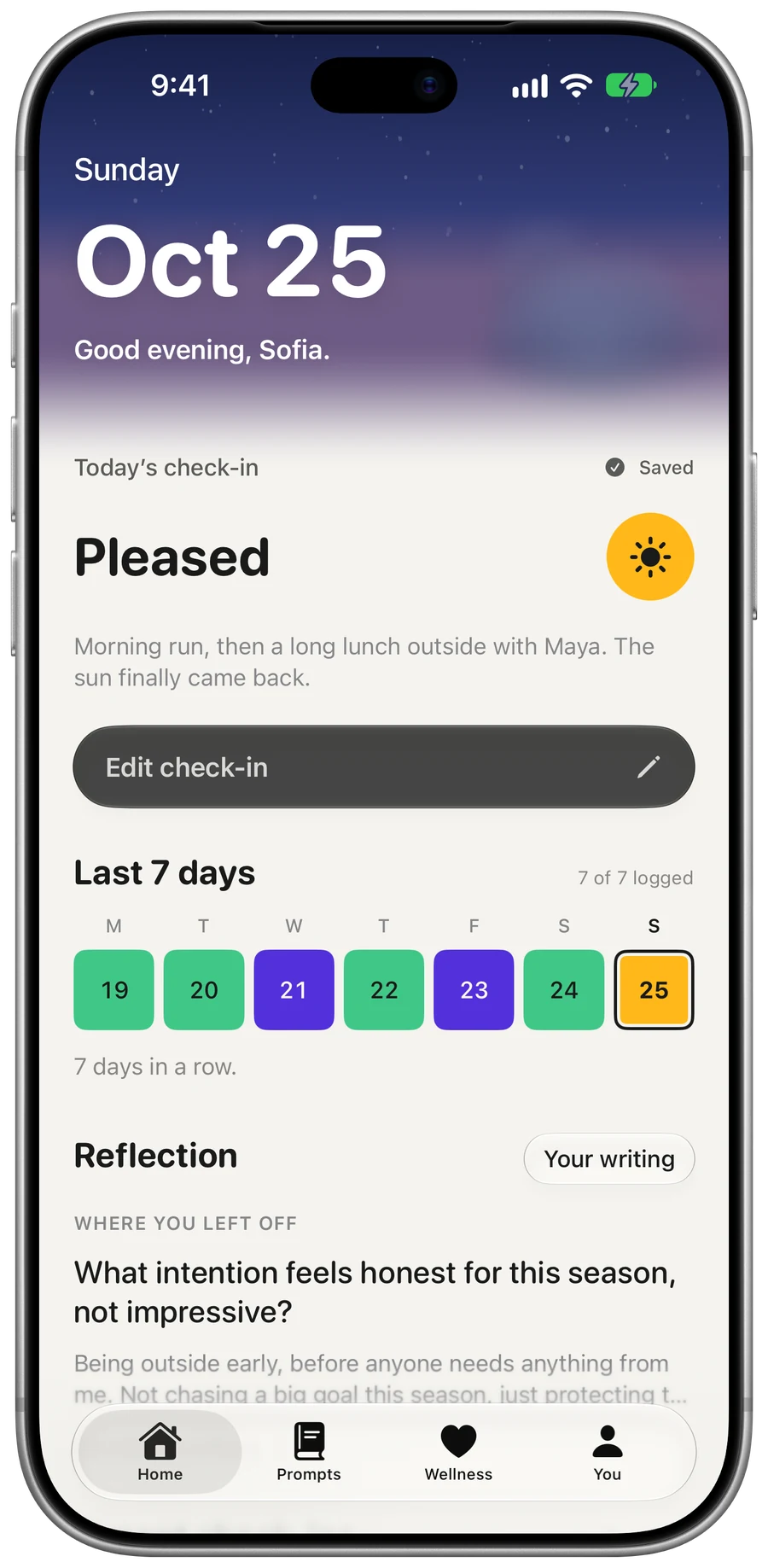
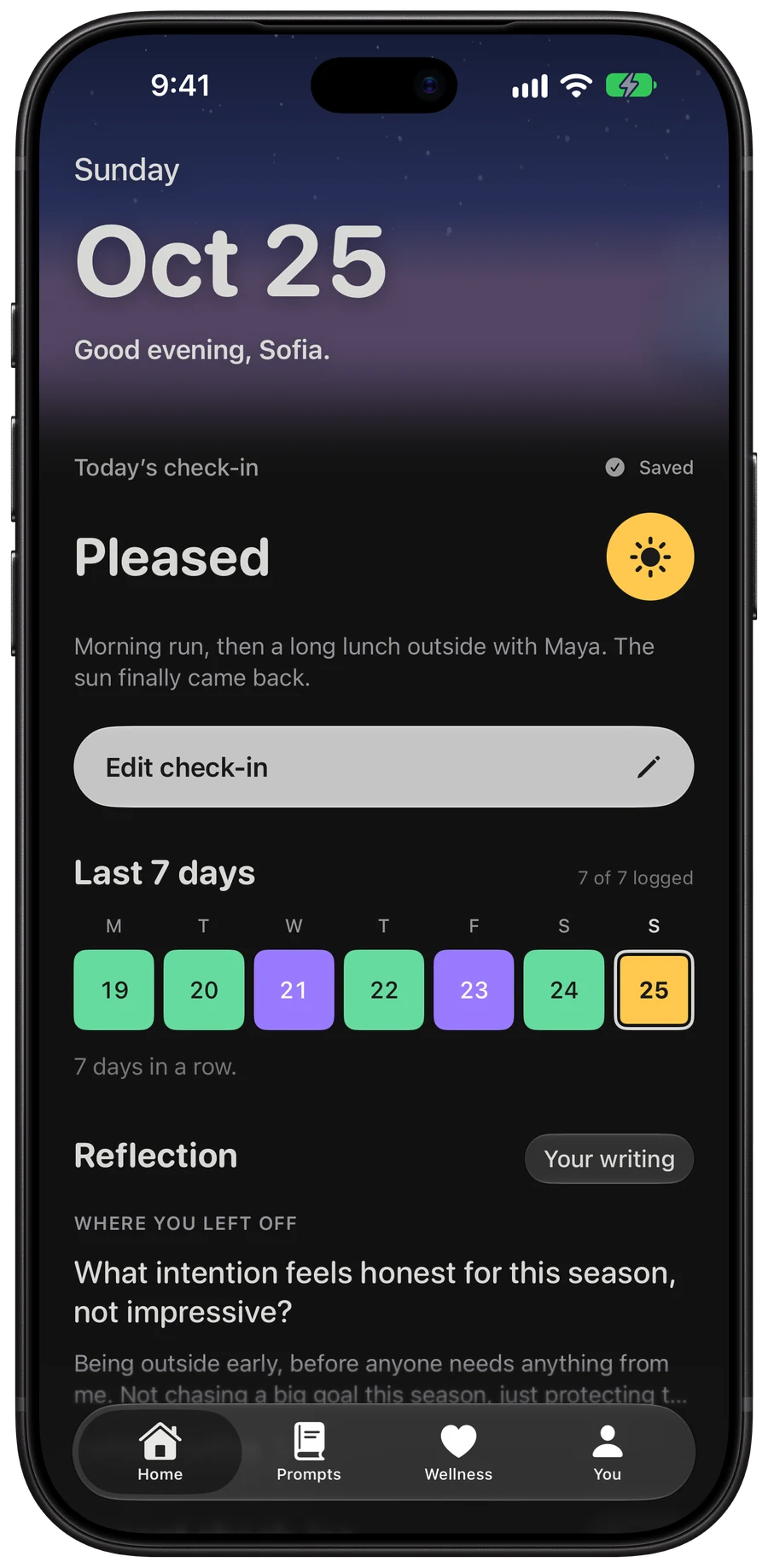
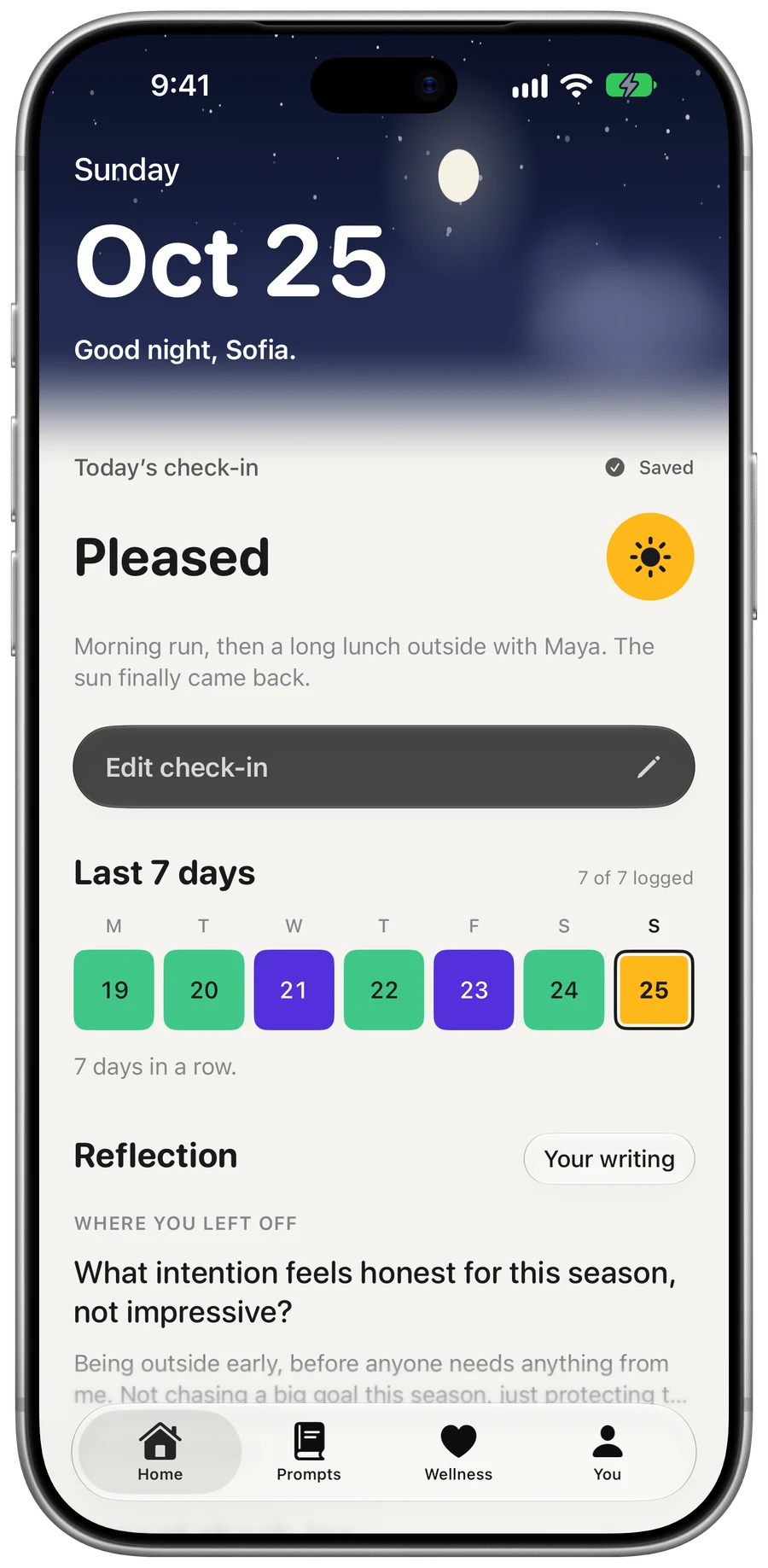
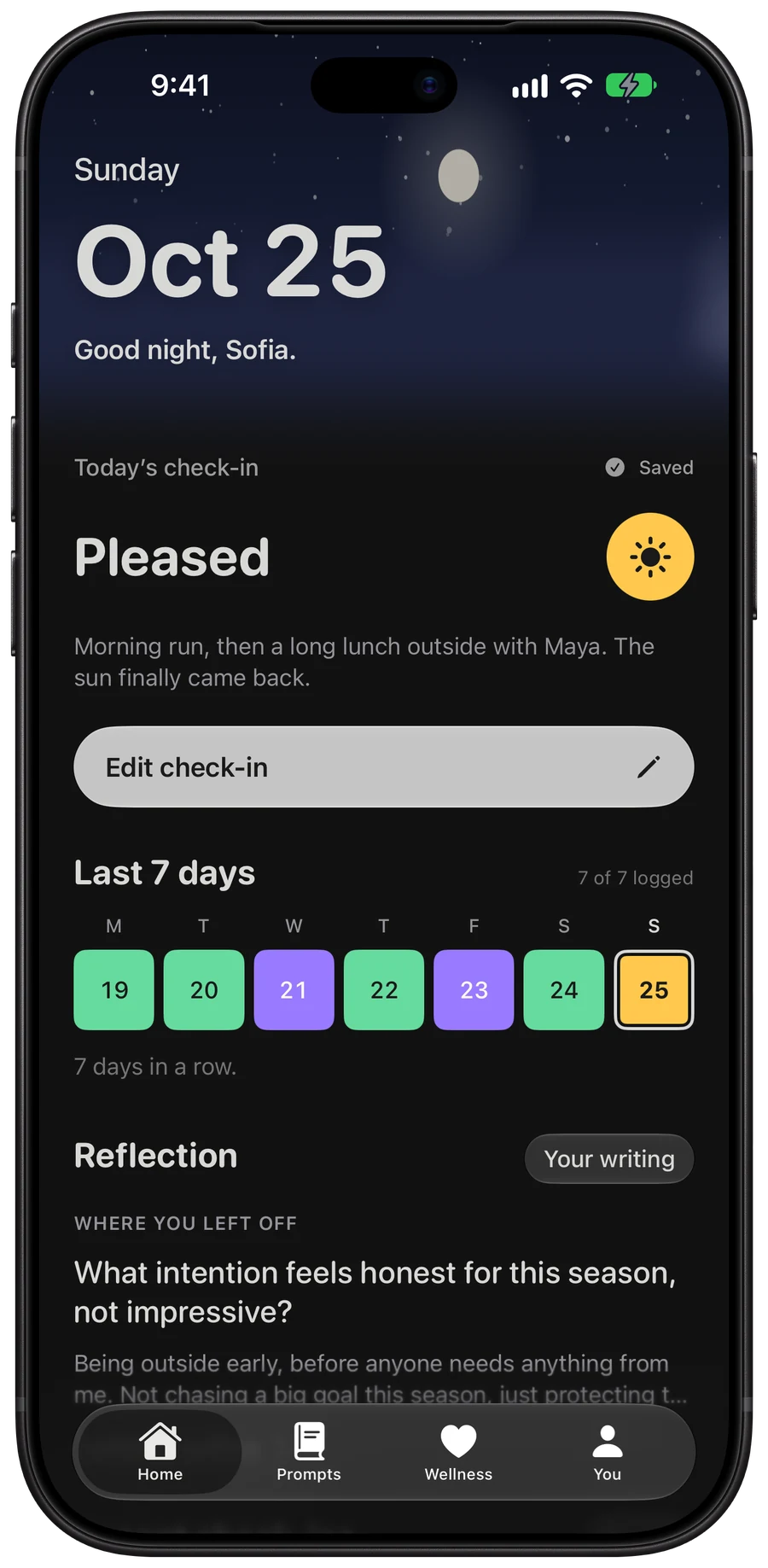
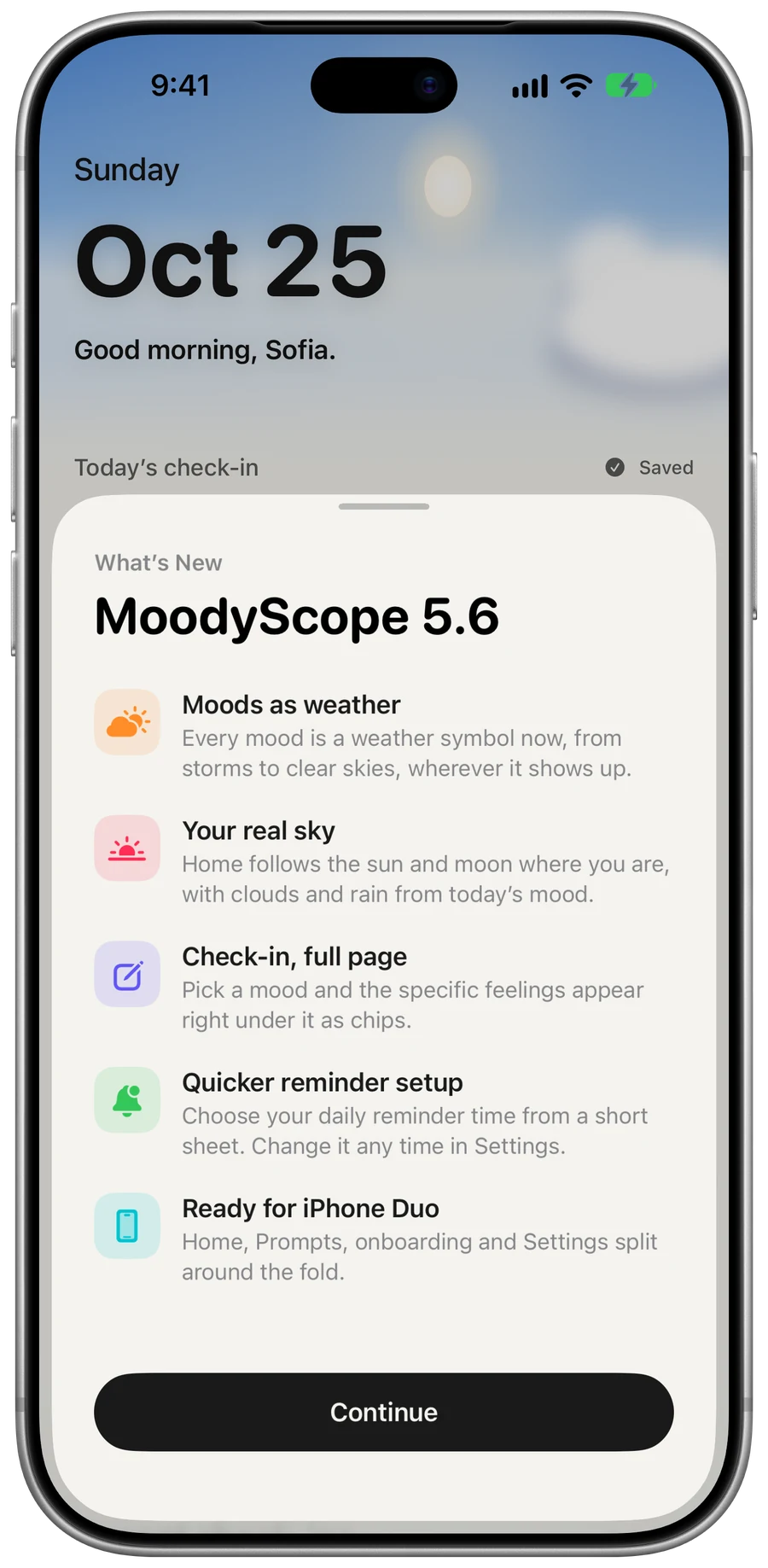
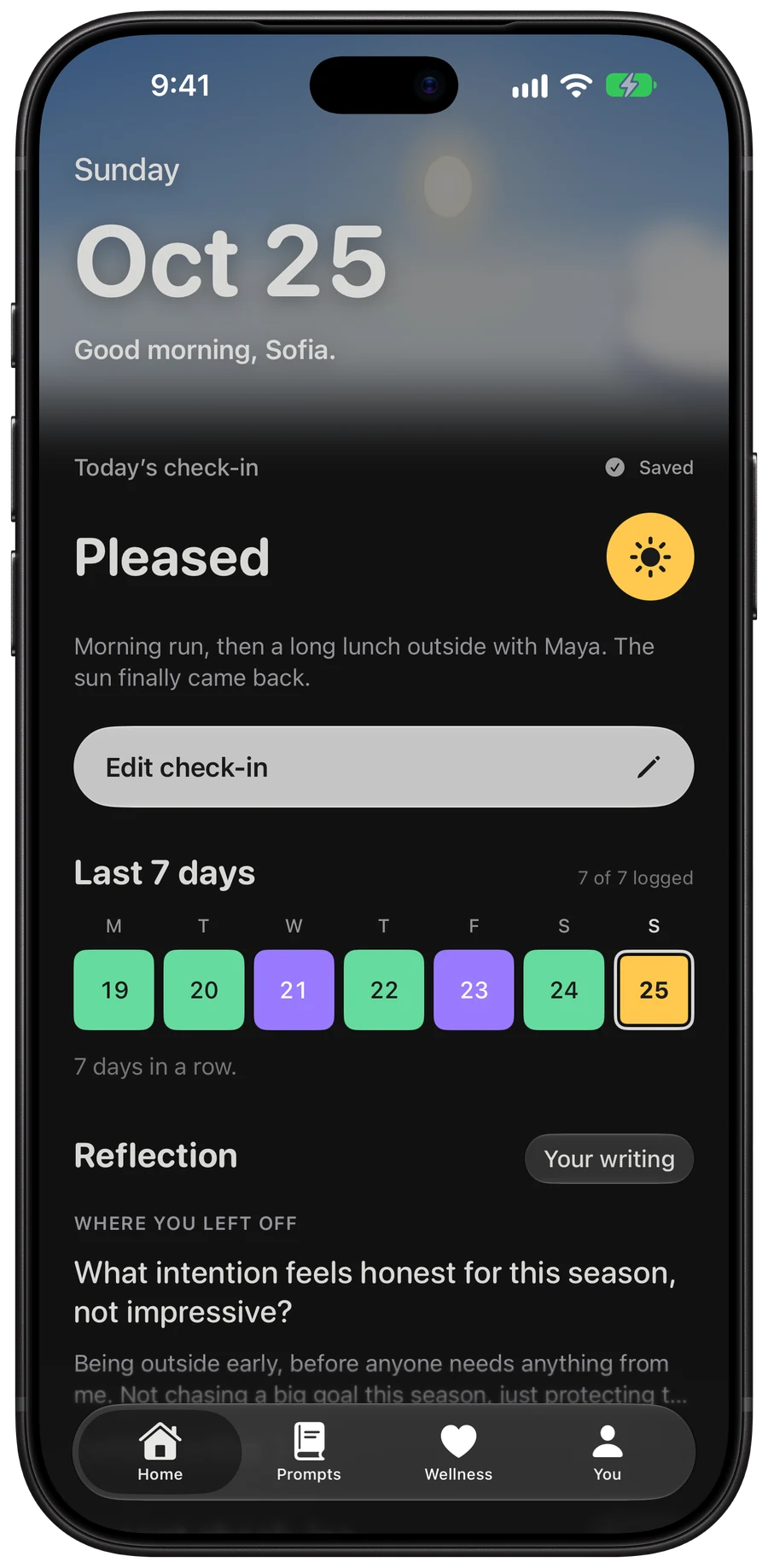
Home places the sun from your time zone, without asking for your location. Clouds roll in when your mood does.

  • Home at 9:41 in the morning: a blue sky, today’s check-in of Pleased with a note, the last seven days in mood colors and a reflection.Home at 9:41 in the morning: a blue sky, today’s check-in of Pleased with a note, the last seven days in mood colors and a reflection.

    Morning9:41 AM

  • Home at dusk, with an orange and violet sky behind the date and today’s check-in.Home at dusk, with an orange and violet sky behind the date and today’s check-in.

    Dusk6:40 PM

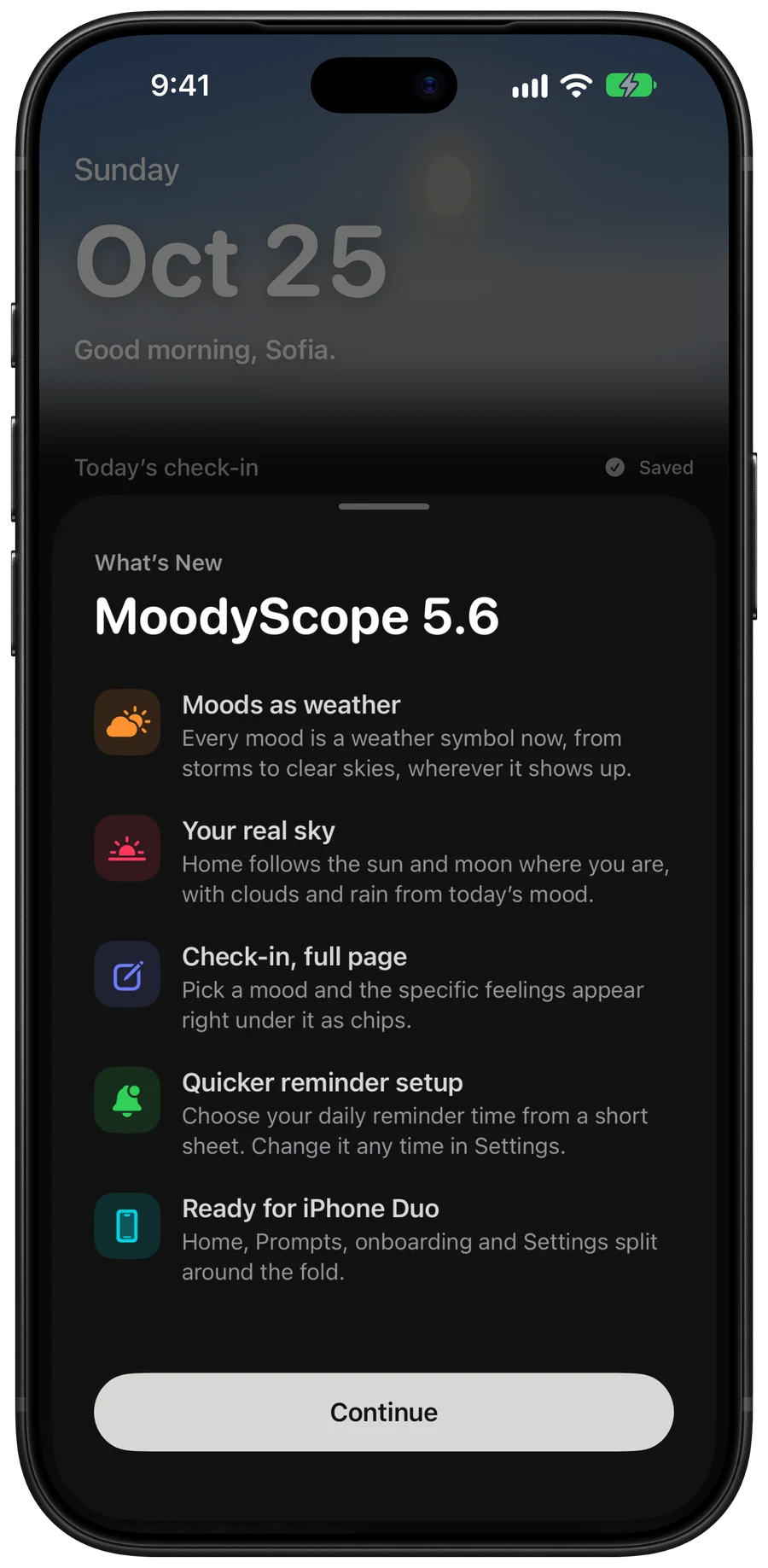
  • Home at night, with the moon and stars behind the date and today’s check-in.Home at night, with the moon and stars behind the date and today’s check-in.

    Night10:30 PM

Check in

Five moods. One tap.

Awful is a storm, Great is a clear sky. Add the feelings behind it, what you were doing, and a note if you want one.

  • Awful
  • Low
  • Okay
  • Good
  • Great
The check-in screen with Good picked: a green partly sunny disc, the five moods, feelings as chips and activities.The check-in screen with Good picked: a green partly sunny disc, the five moods, feelings as chips and activities.

You

Every day in its color.

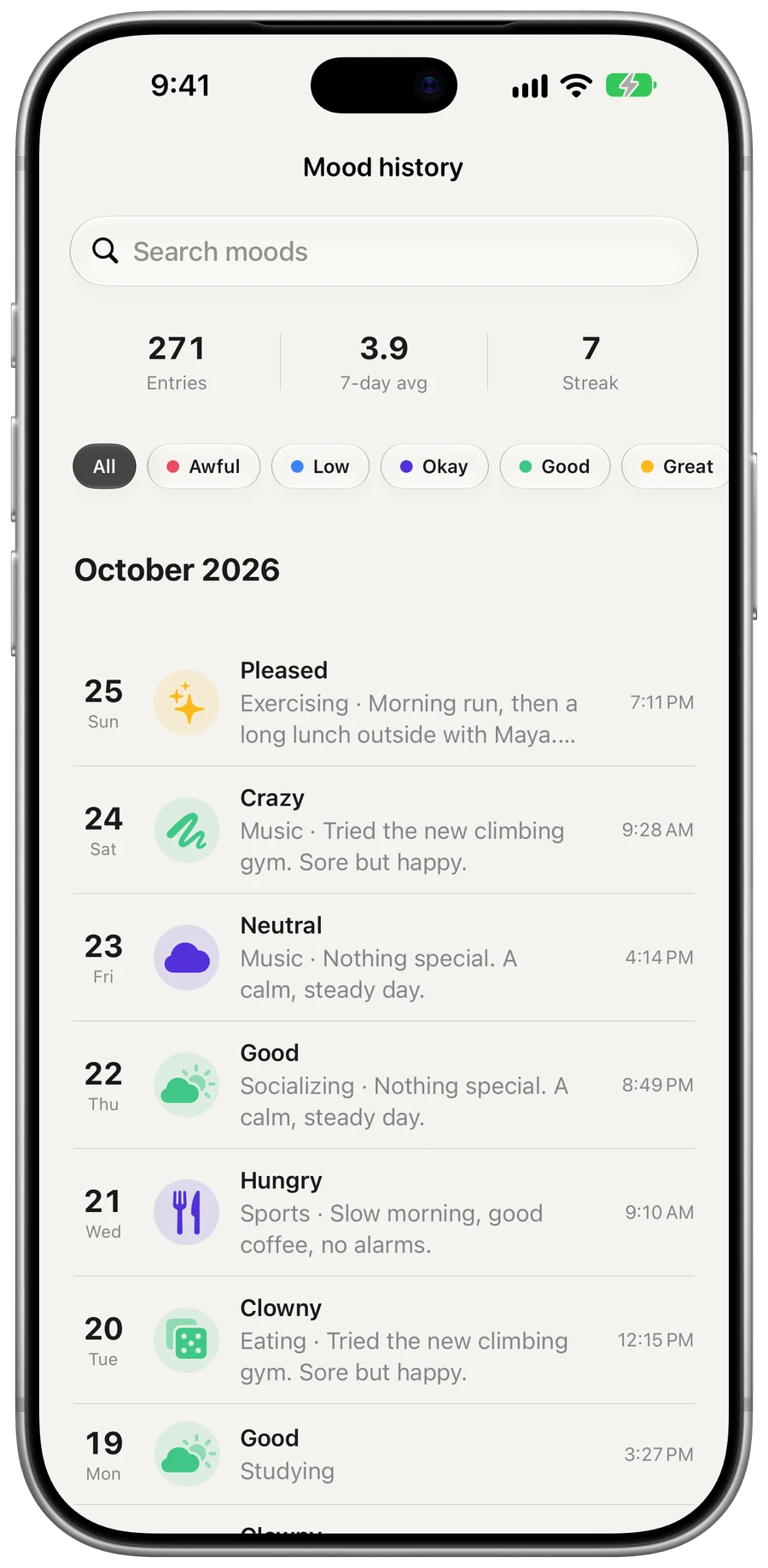
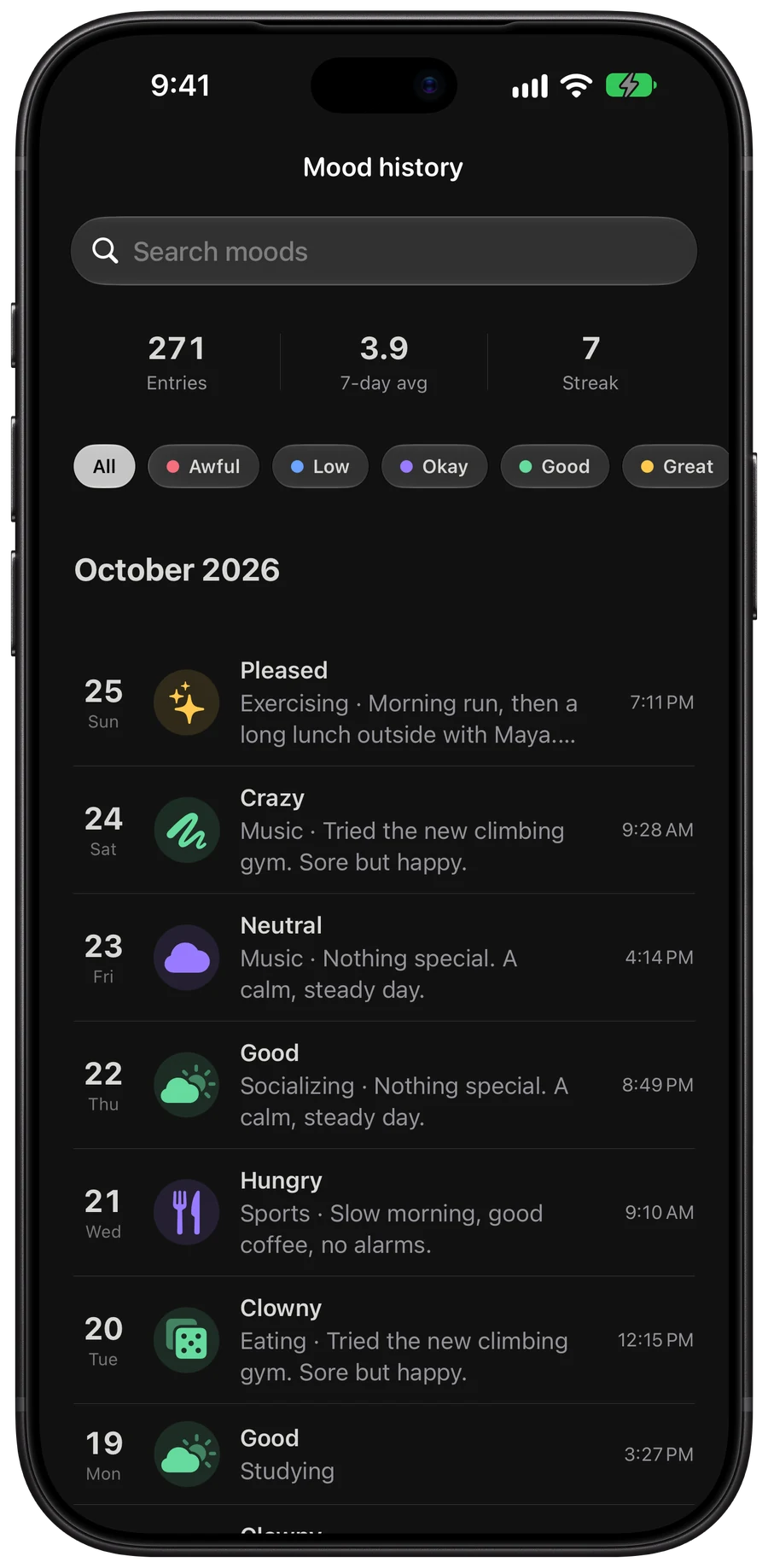
The calendar fills in as you go. Tap any day to see the mood, the note and what you were doing.

  • Calendar
  • History
  • Filters
The You tab: 271 check-ins, 12 reflections, 7 of 8 badges, and October’s calendar with each day in its mood color.The You tab: 271 check-ins, 12 reflections, 7 of 8 badges, and October’s calendar with each day in its mood color.

Prompts

One question a day.

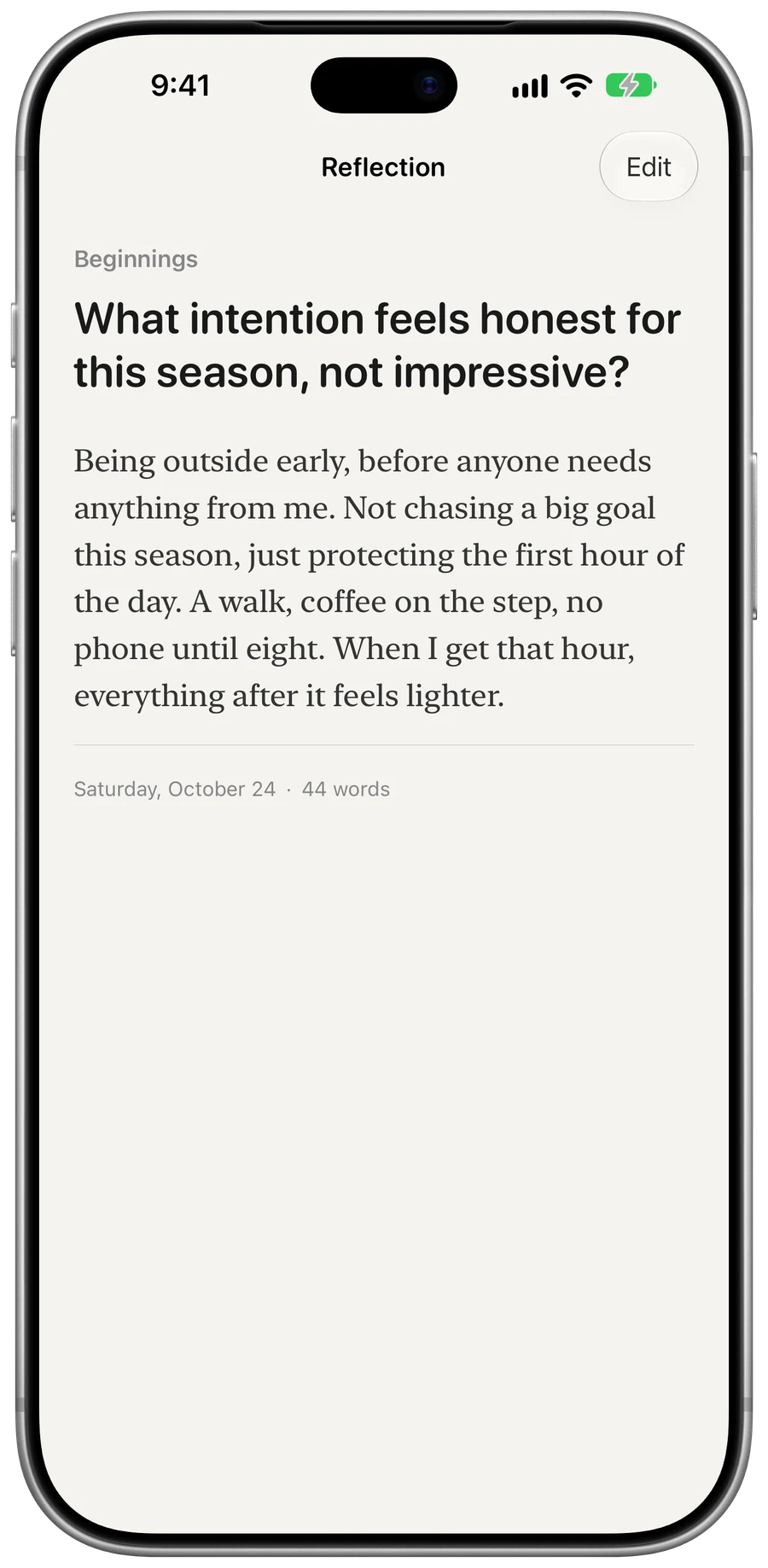
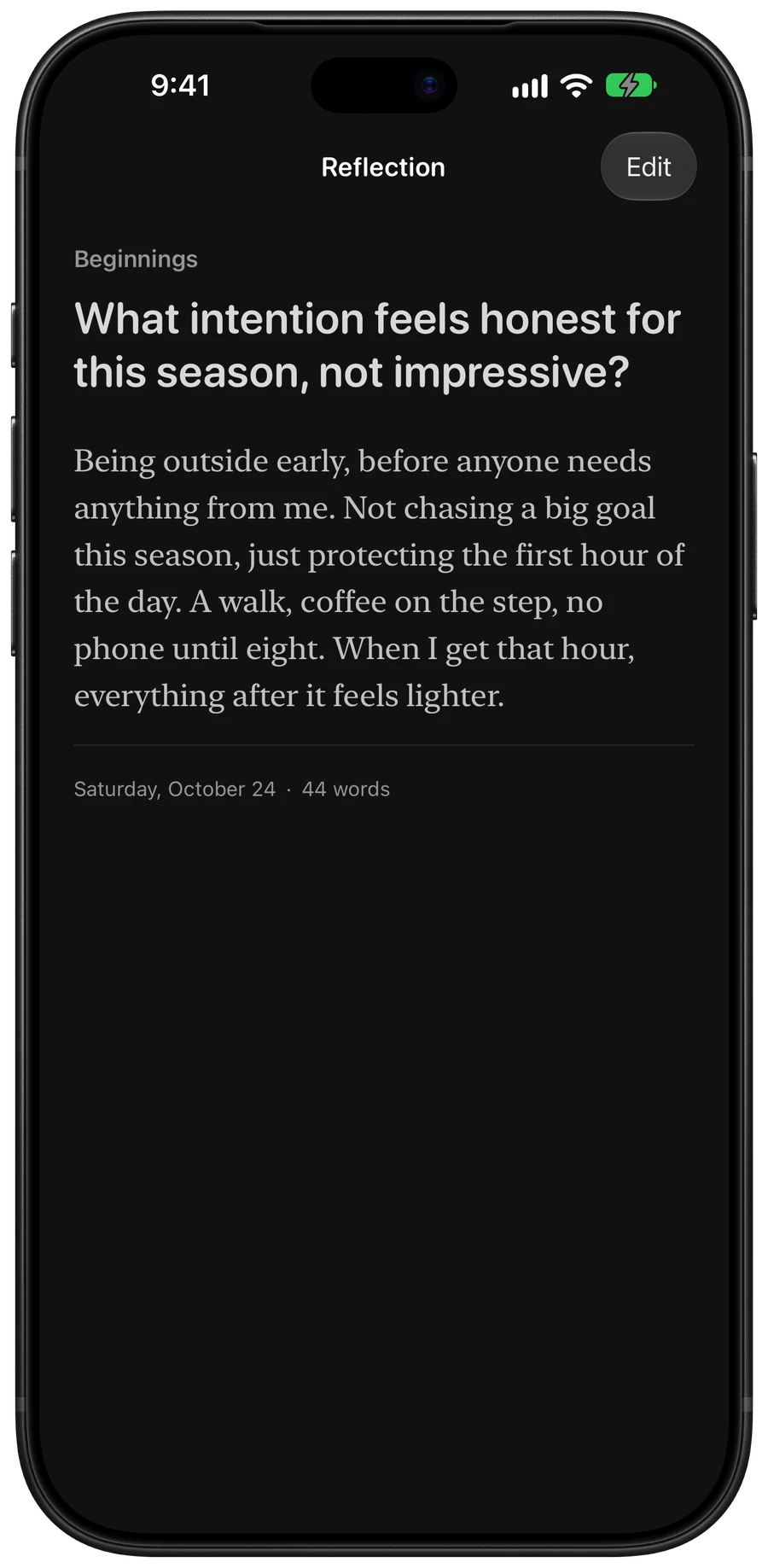
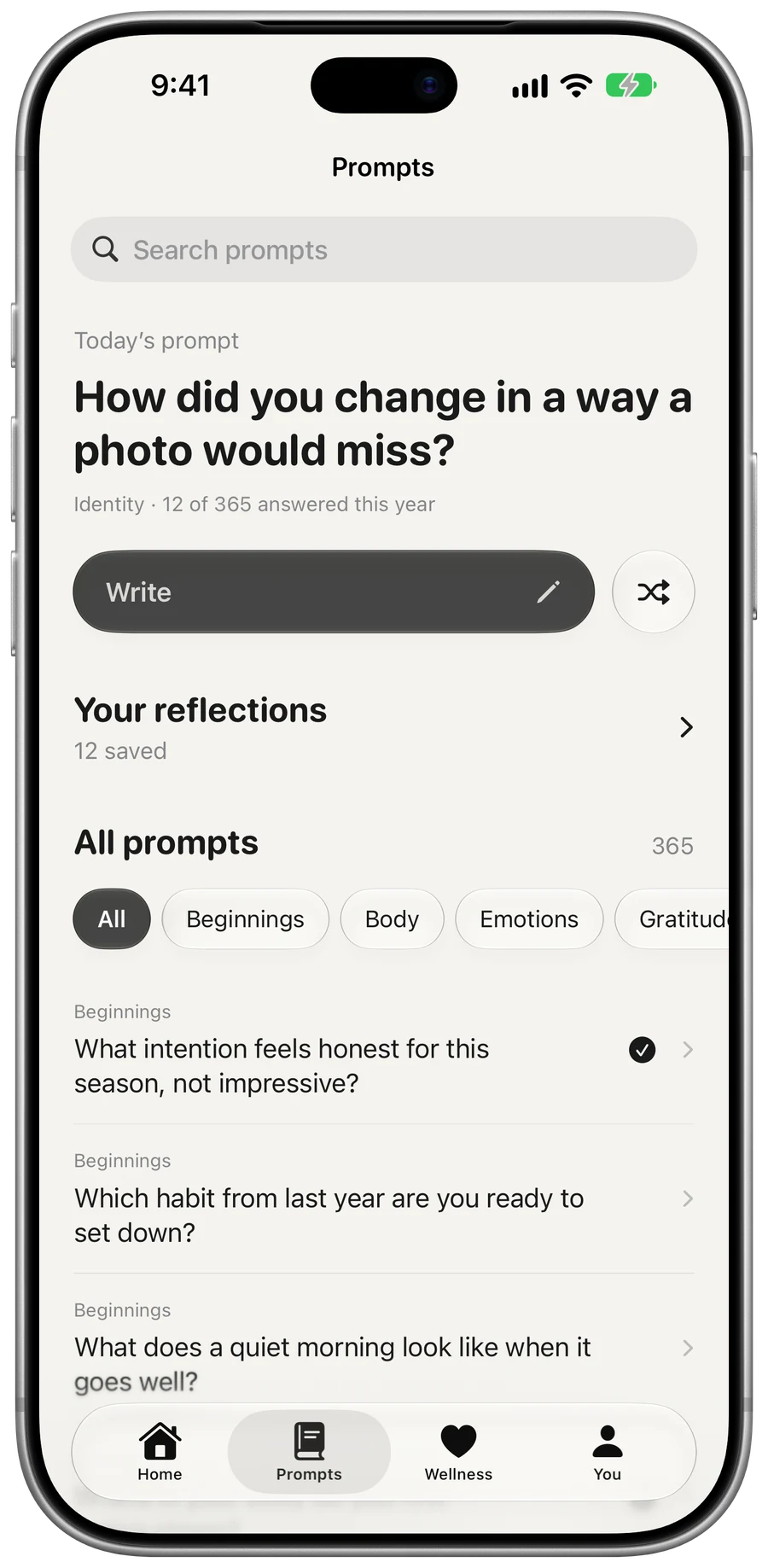
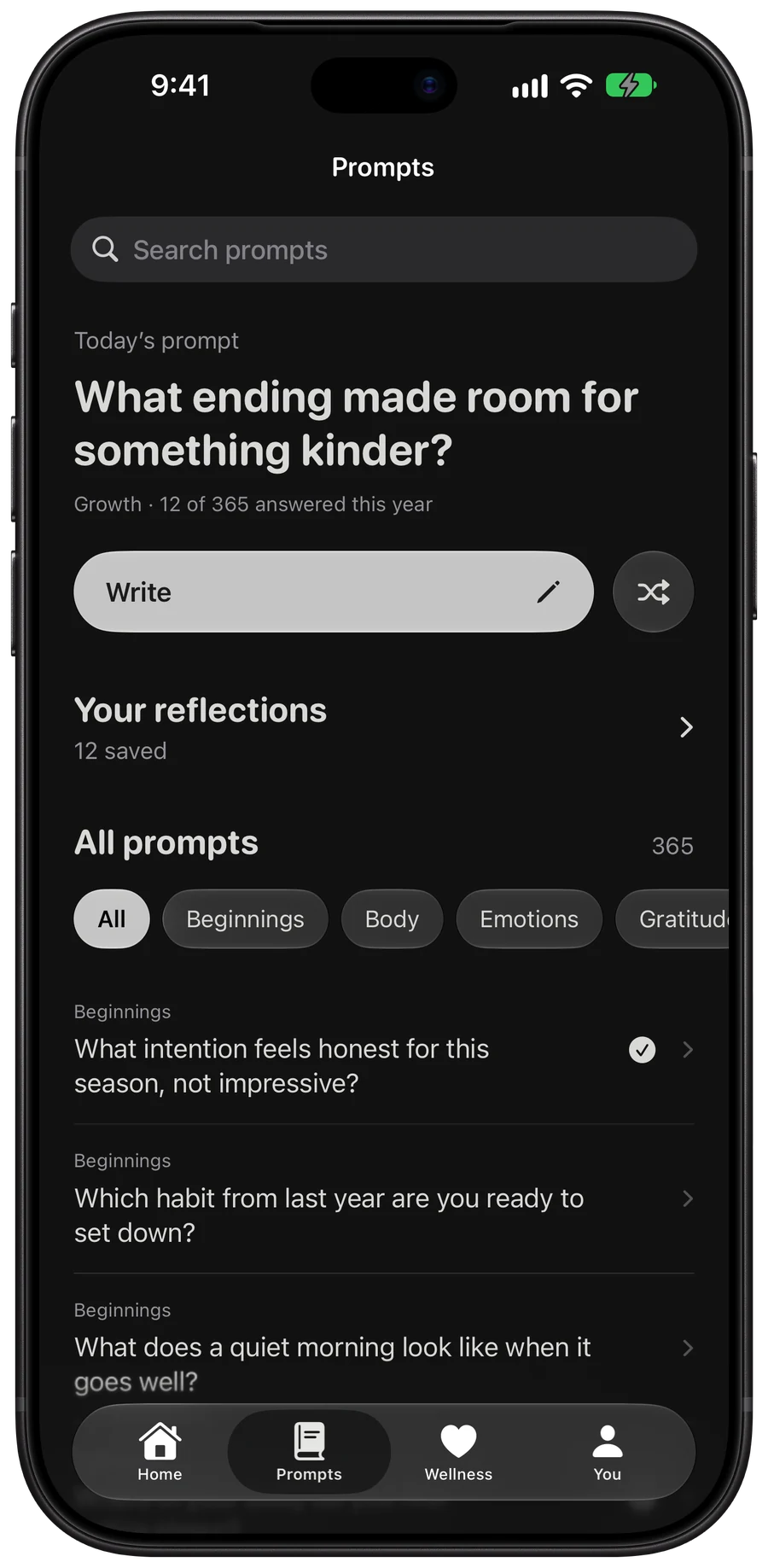
365 prompts across 15 topics. Answer today’s, or pick one that fits. Your answers stay in Reflections.
  • 365 prompts
  • 15 topics
  • Search
Prompts: today’s question, a Write button, saved reflections and all 365 prompts by topic.Prompts: today’s question, a Write button, saved reflections and all 365 prompts by topic.

Wellness

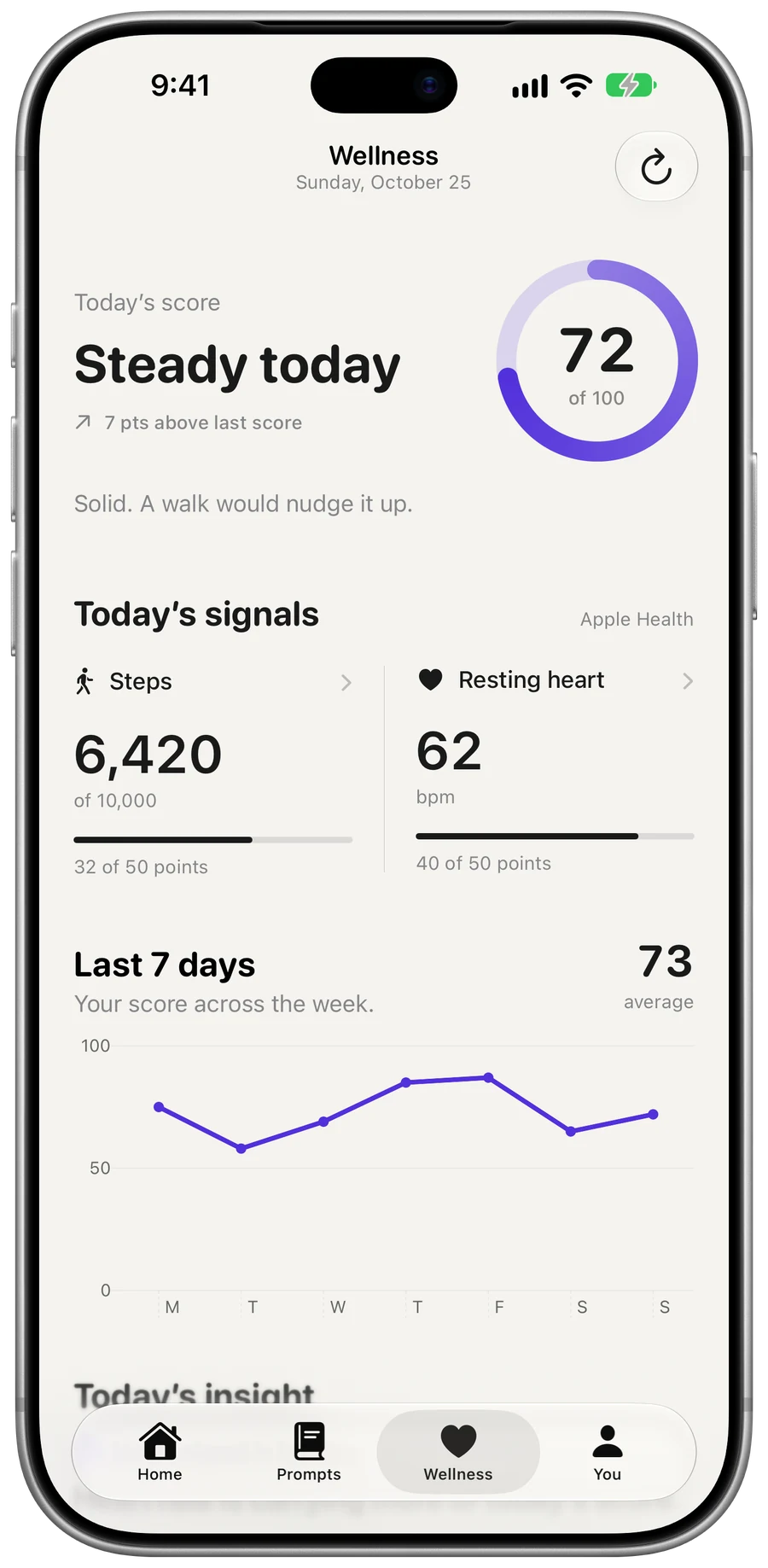
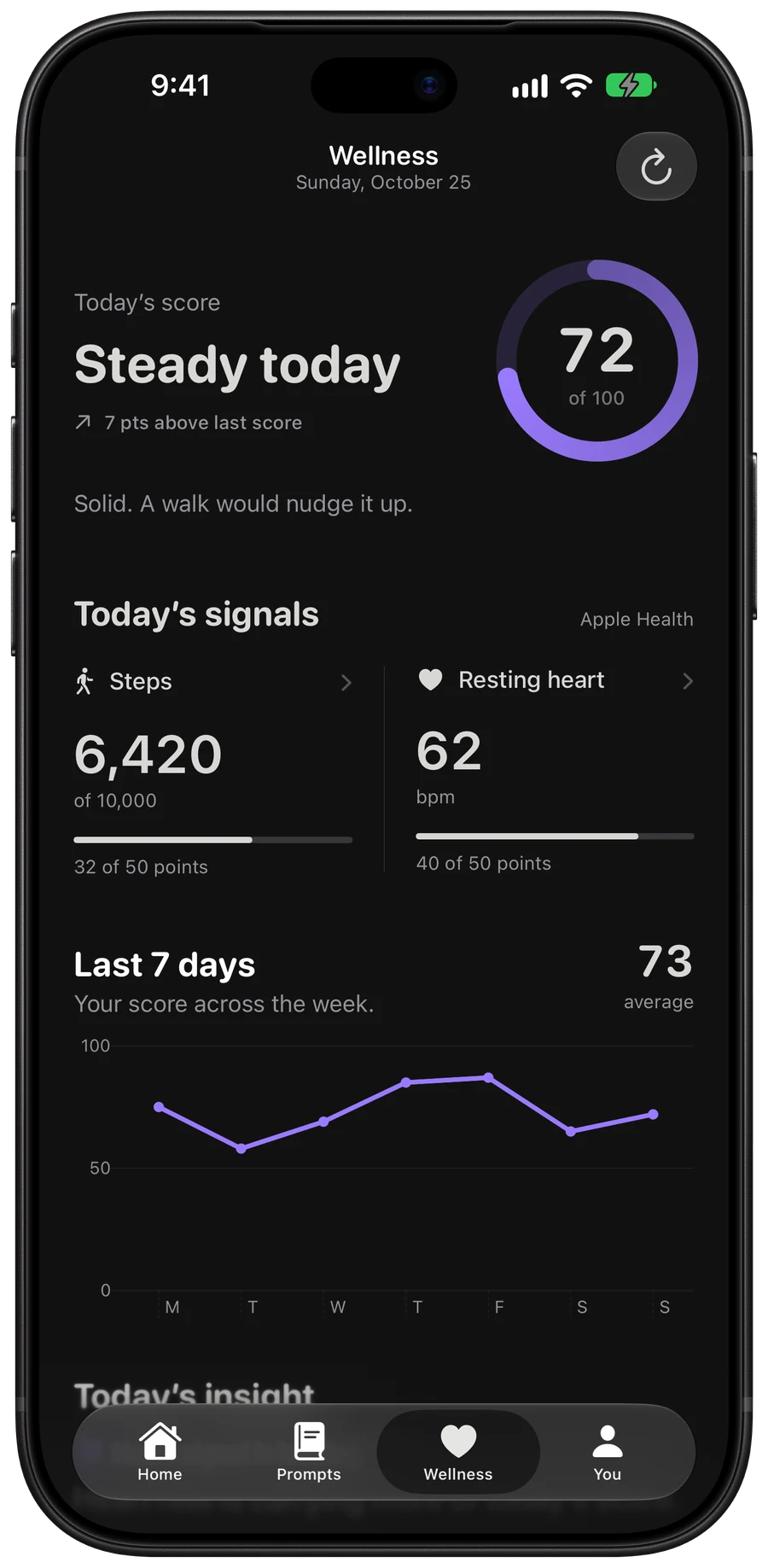
Steps and heart rate next to your mood.

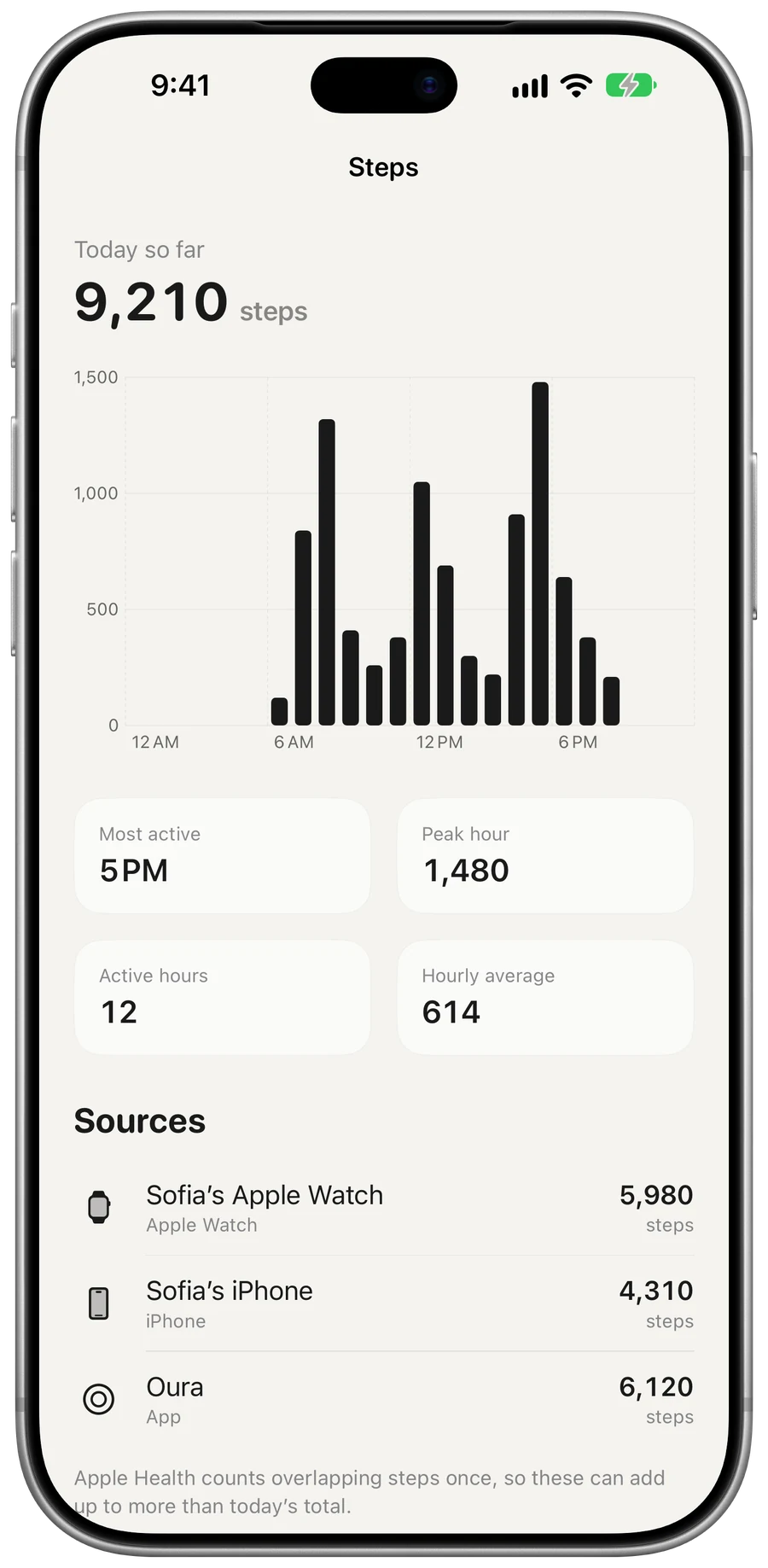
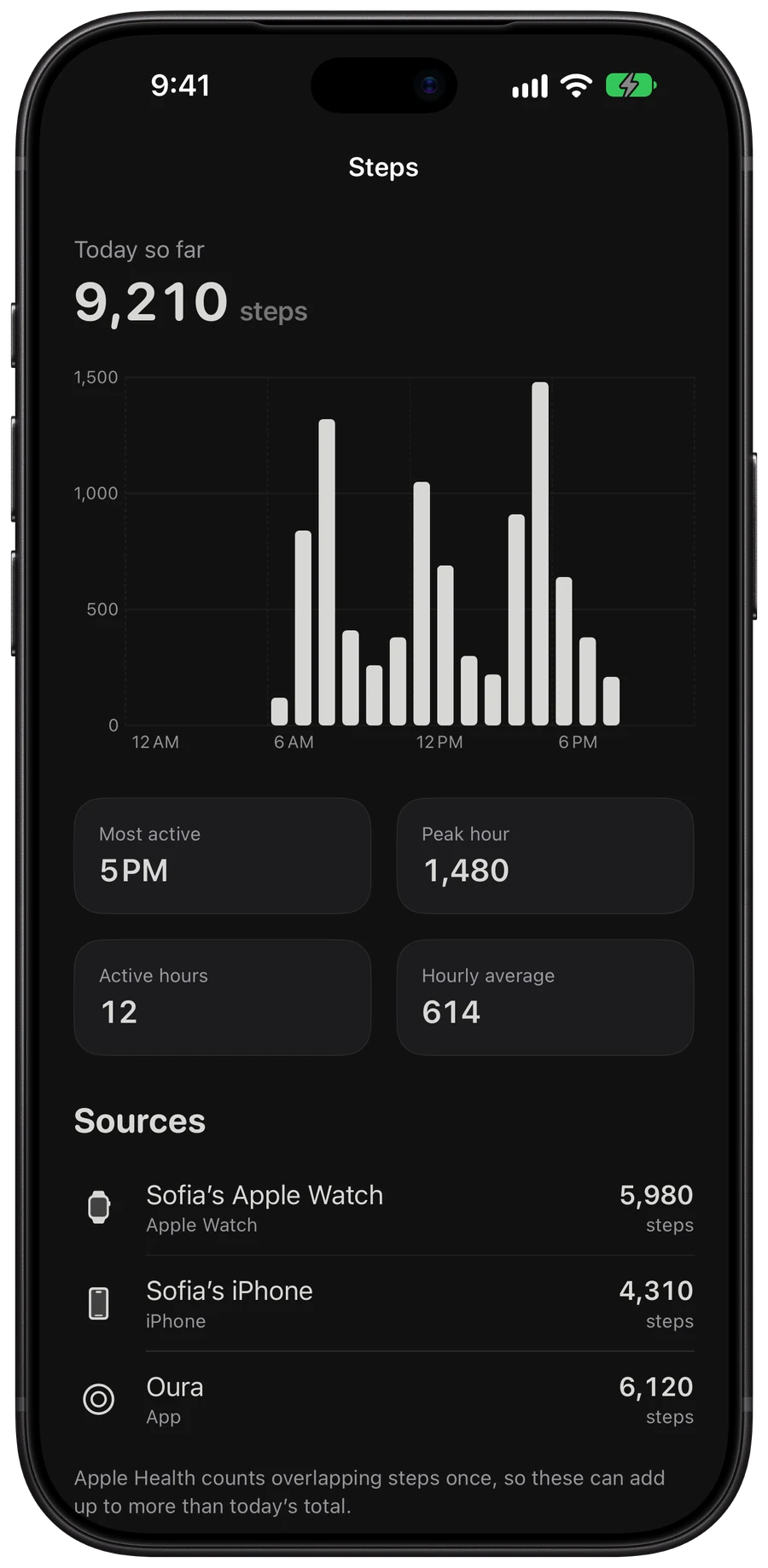
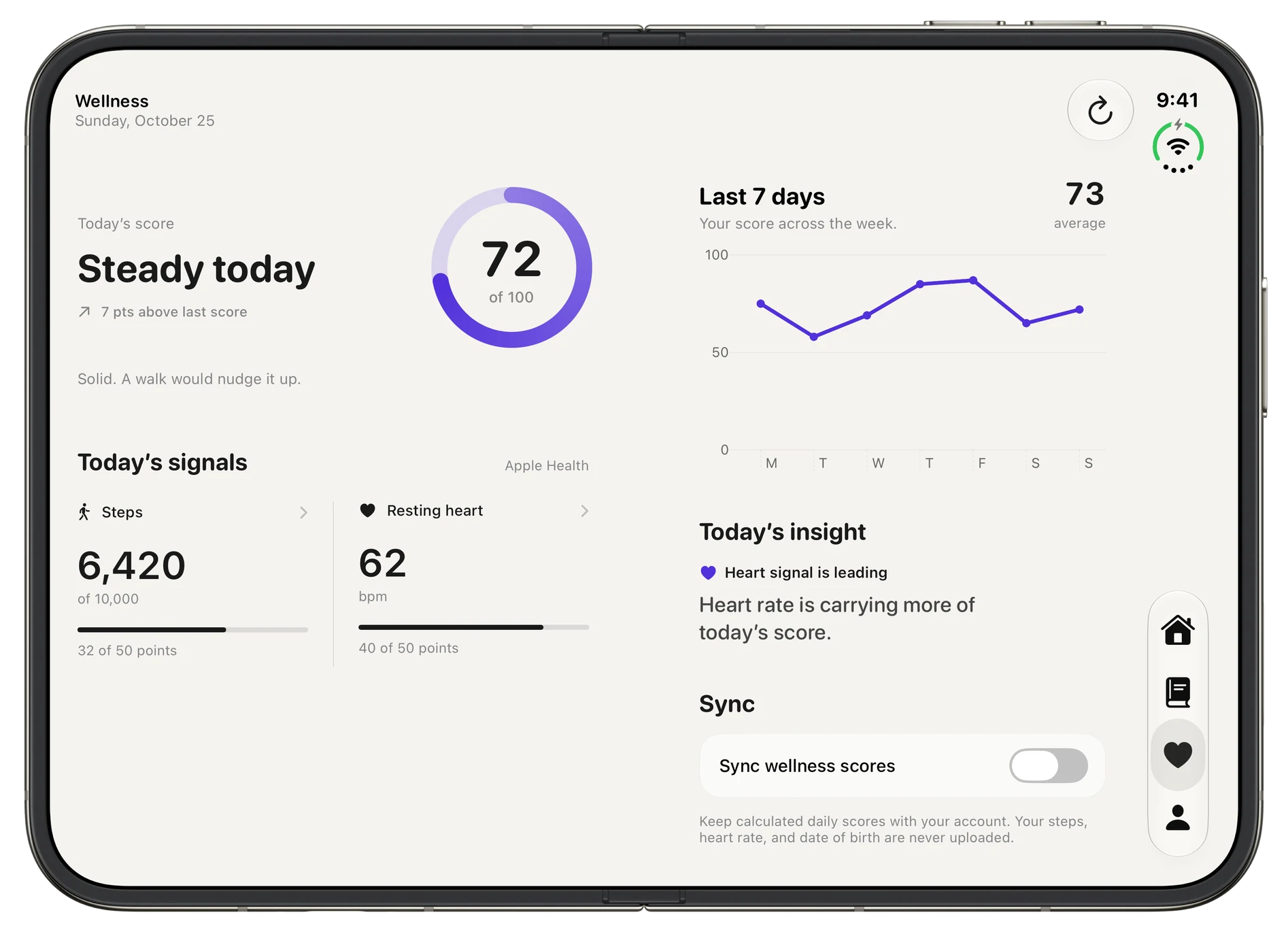
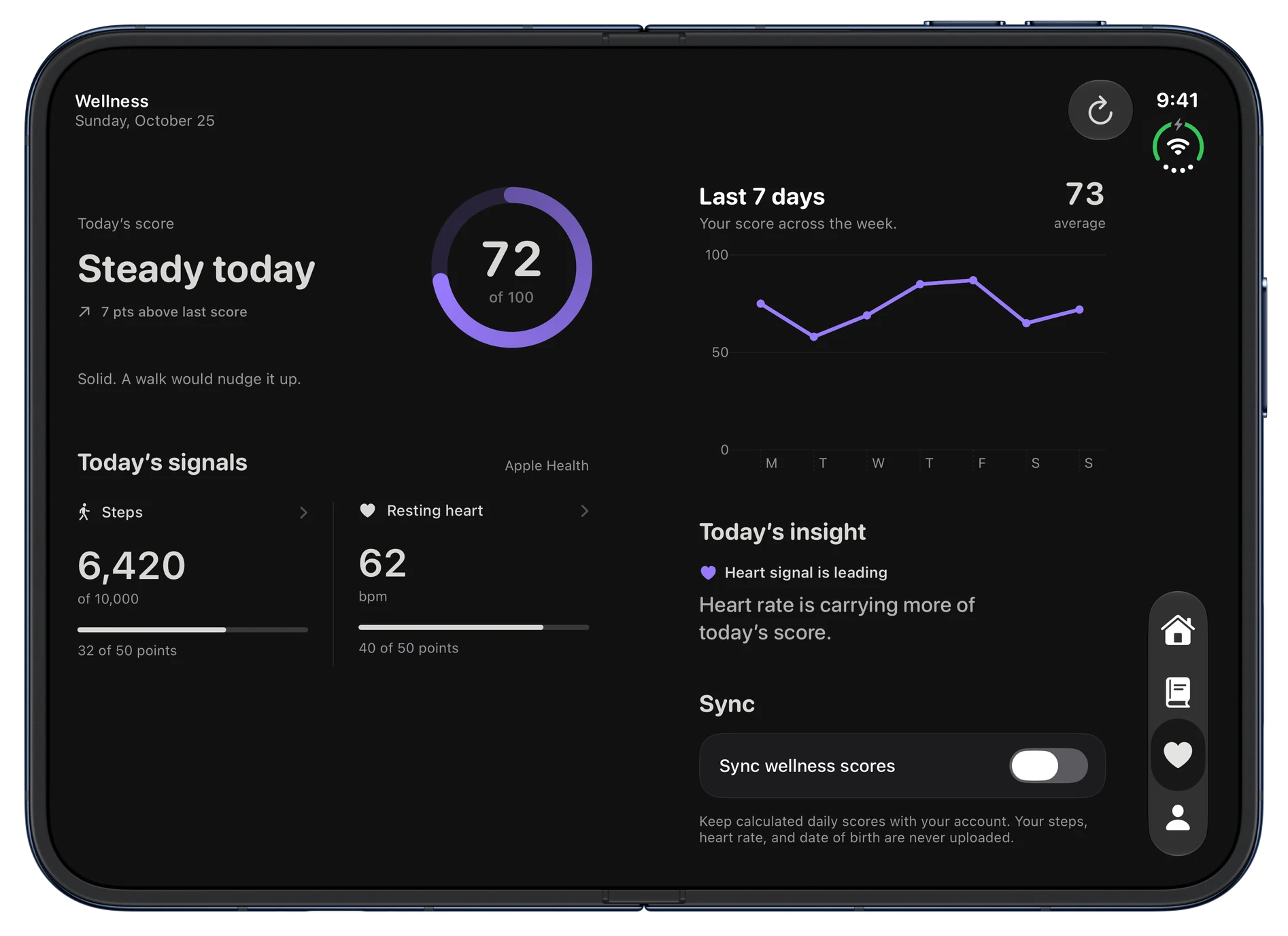
Connect Apple Health to see steps, resting heart rate and a daily score. Health data stays on your iPhone.
  • Apple Health
  • Steps
  • Resting heart rate
Wellness: a score of 72 out of 100, steps and resting heart rate from Apple Health, and the last seven days.Wellness: a score of 72 out of 100, steps and resting heart rate from Apple Health, and the last seven days.

Stats

See the pattern, not just the day.

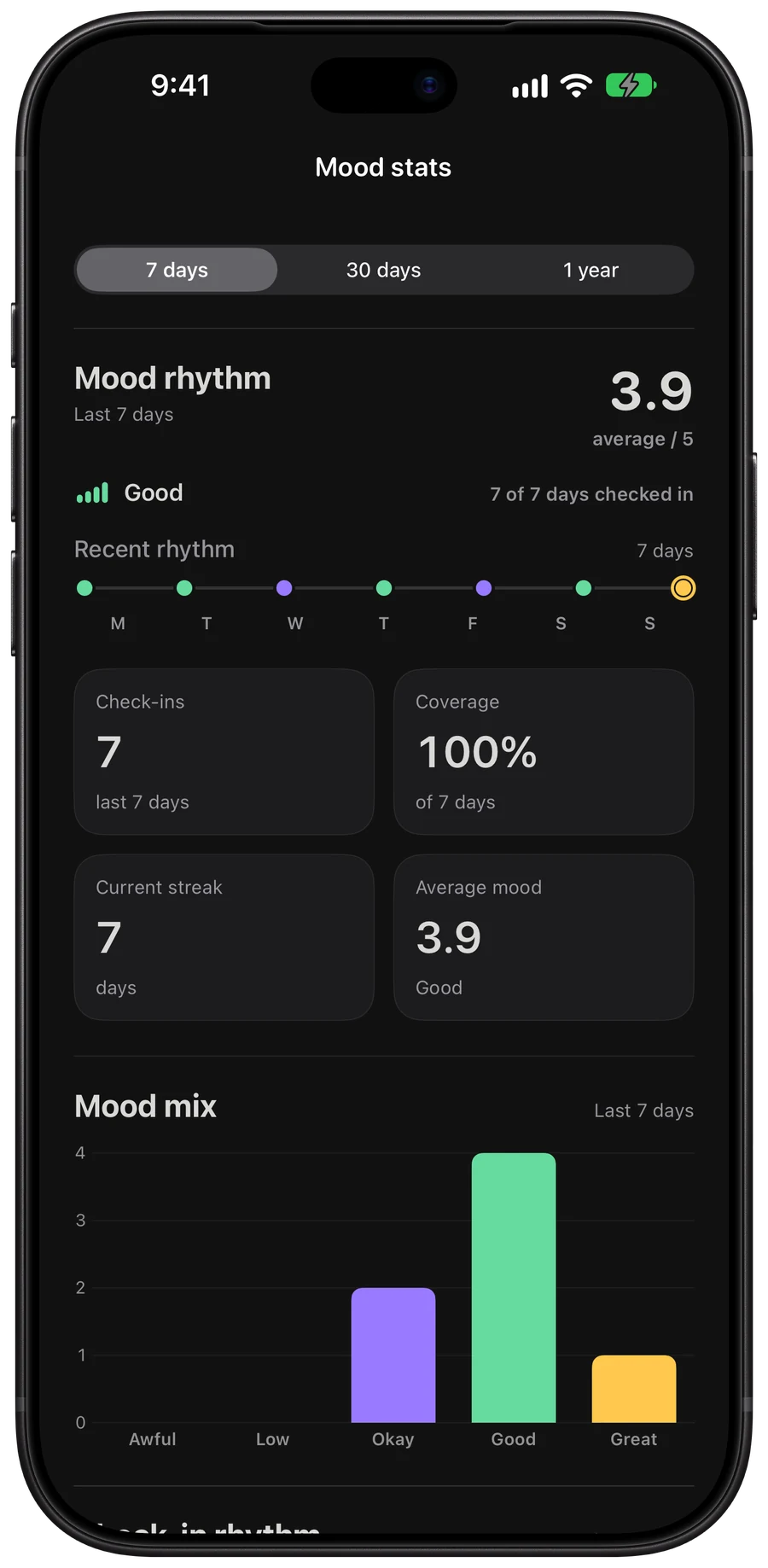
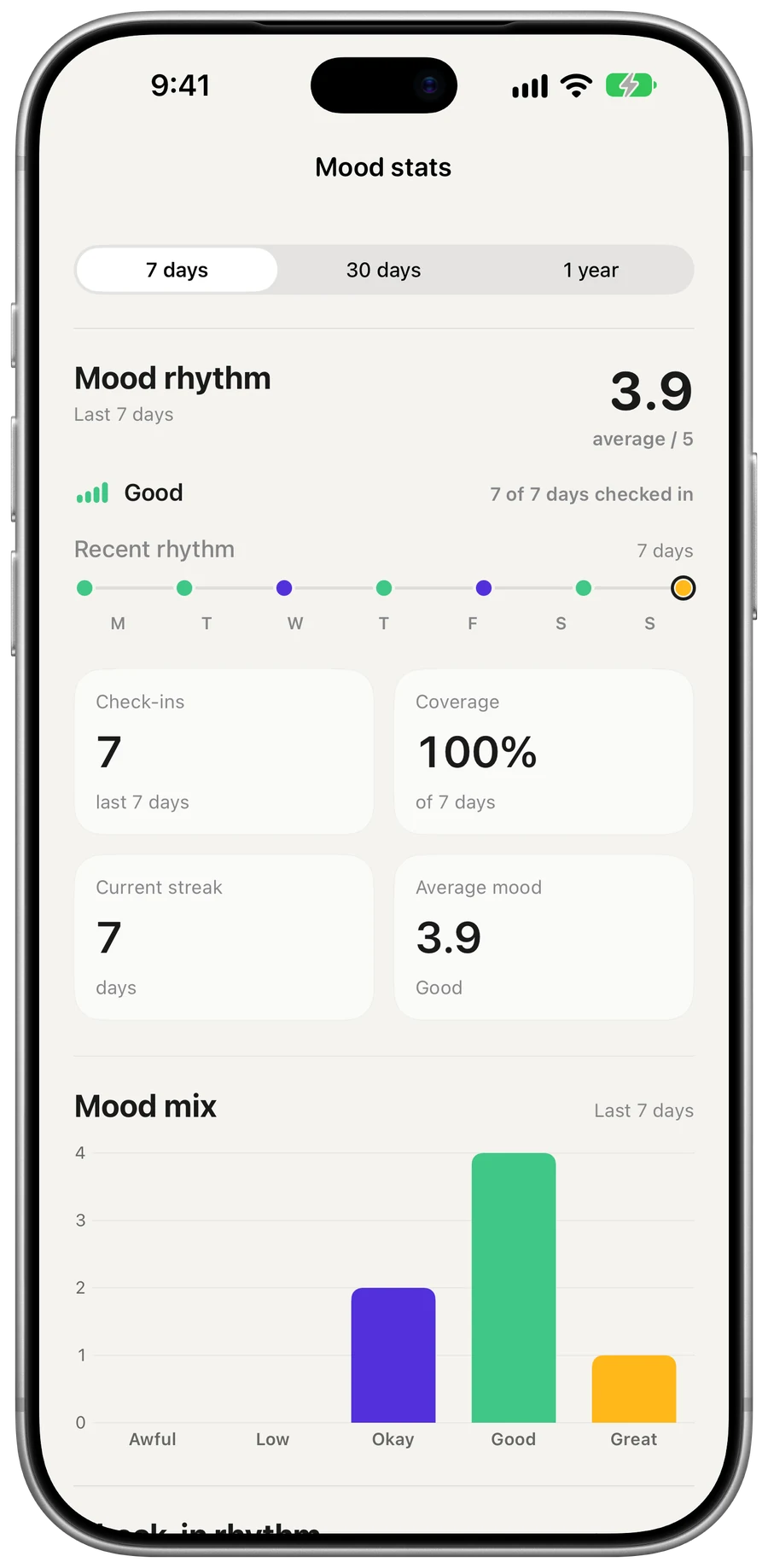
Your average, your streak, how often you check in, and the mix of moods over 7, 30 or 365 days.
  • Average
  • Streak
  • Mood mix
Mood stats for seven days: average 3.9, the rhythm of check-ins, a streak of 7 and the mood mix.Mood stats for seven days: average 3.9, the rhythm of check-ins, a streak of 7 and the mood mix.

Badges

Eight seals to earn.

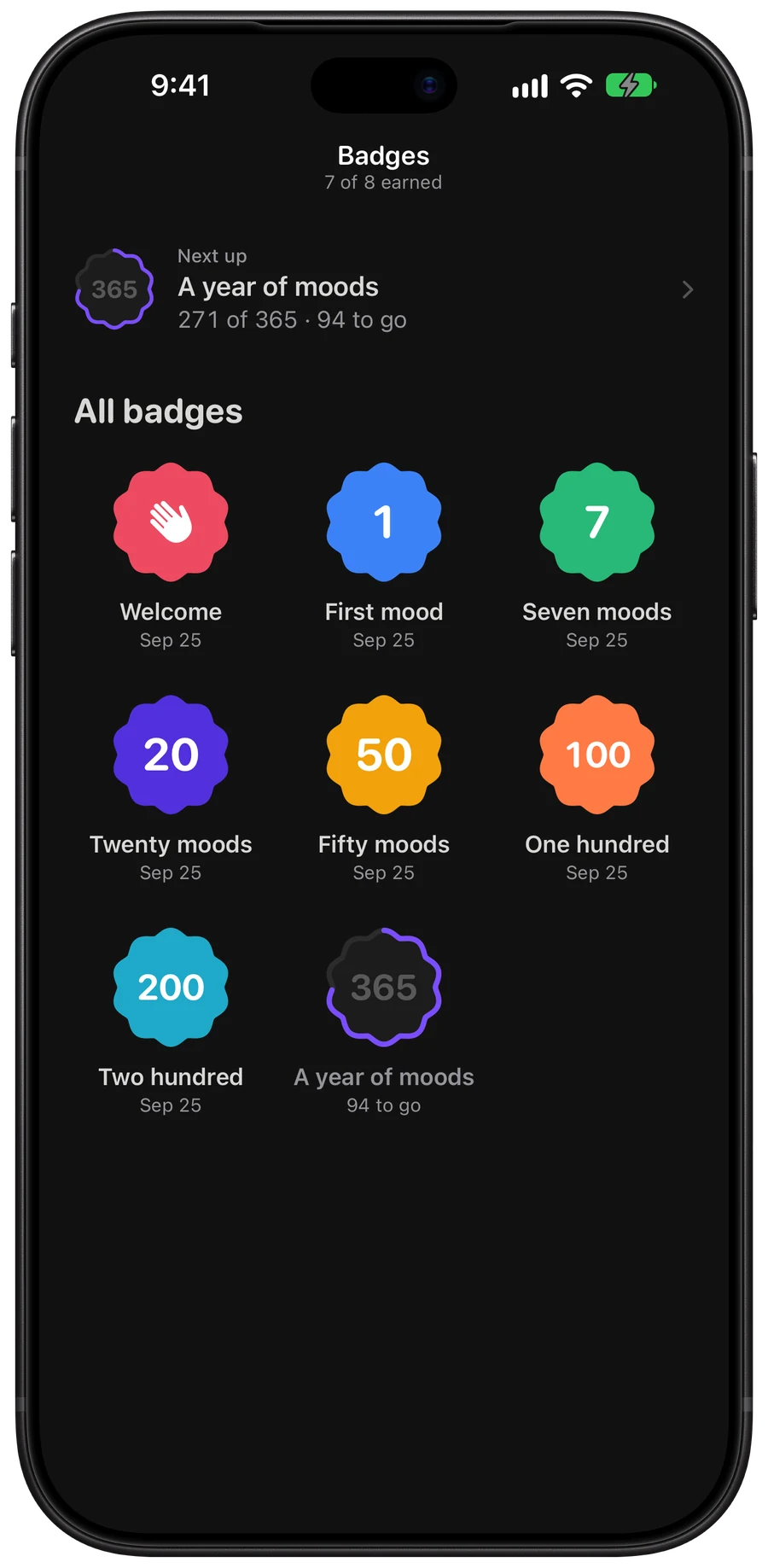
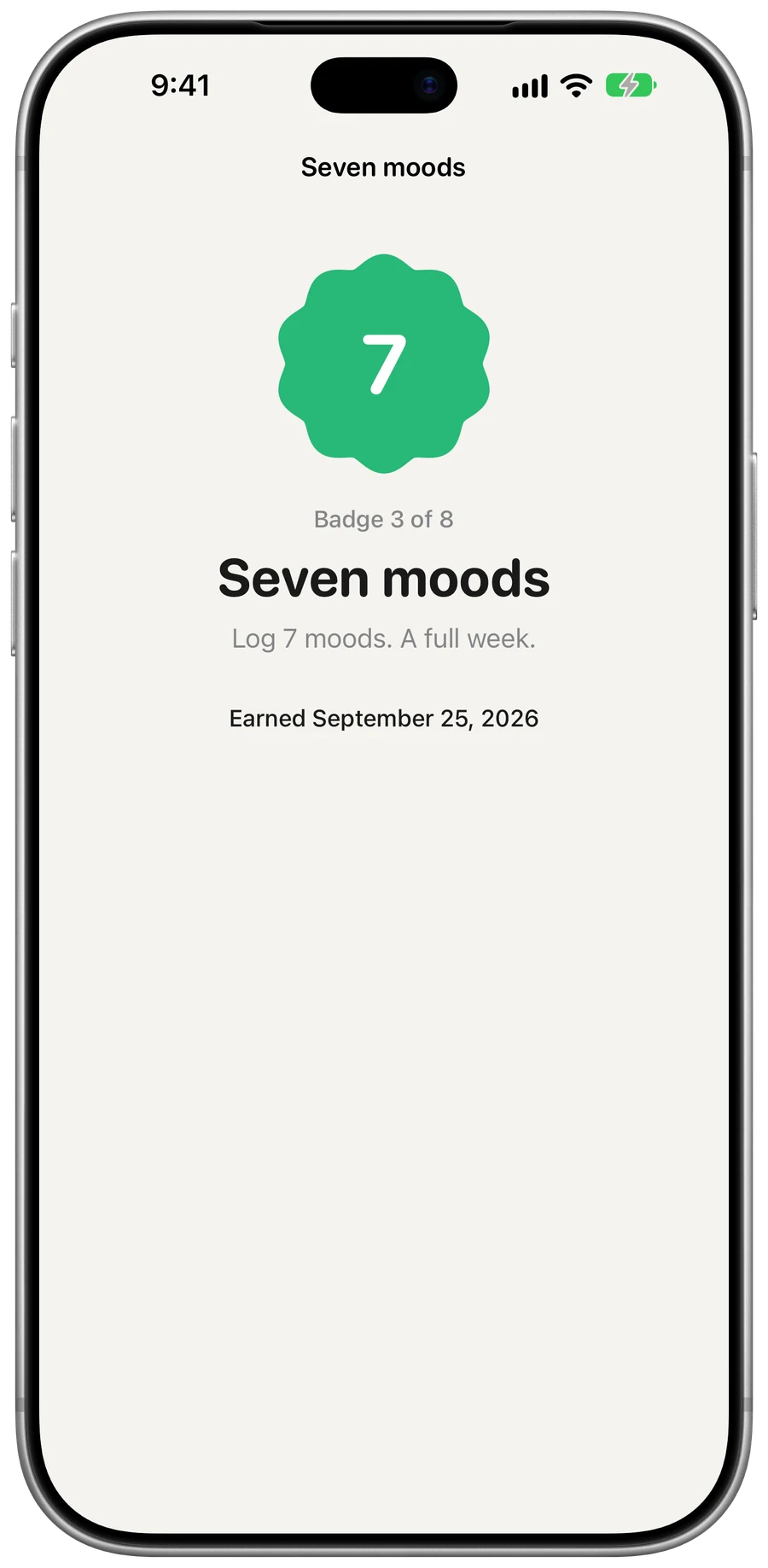
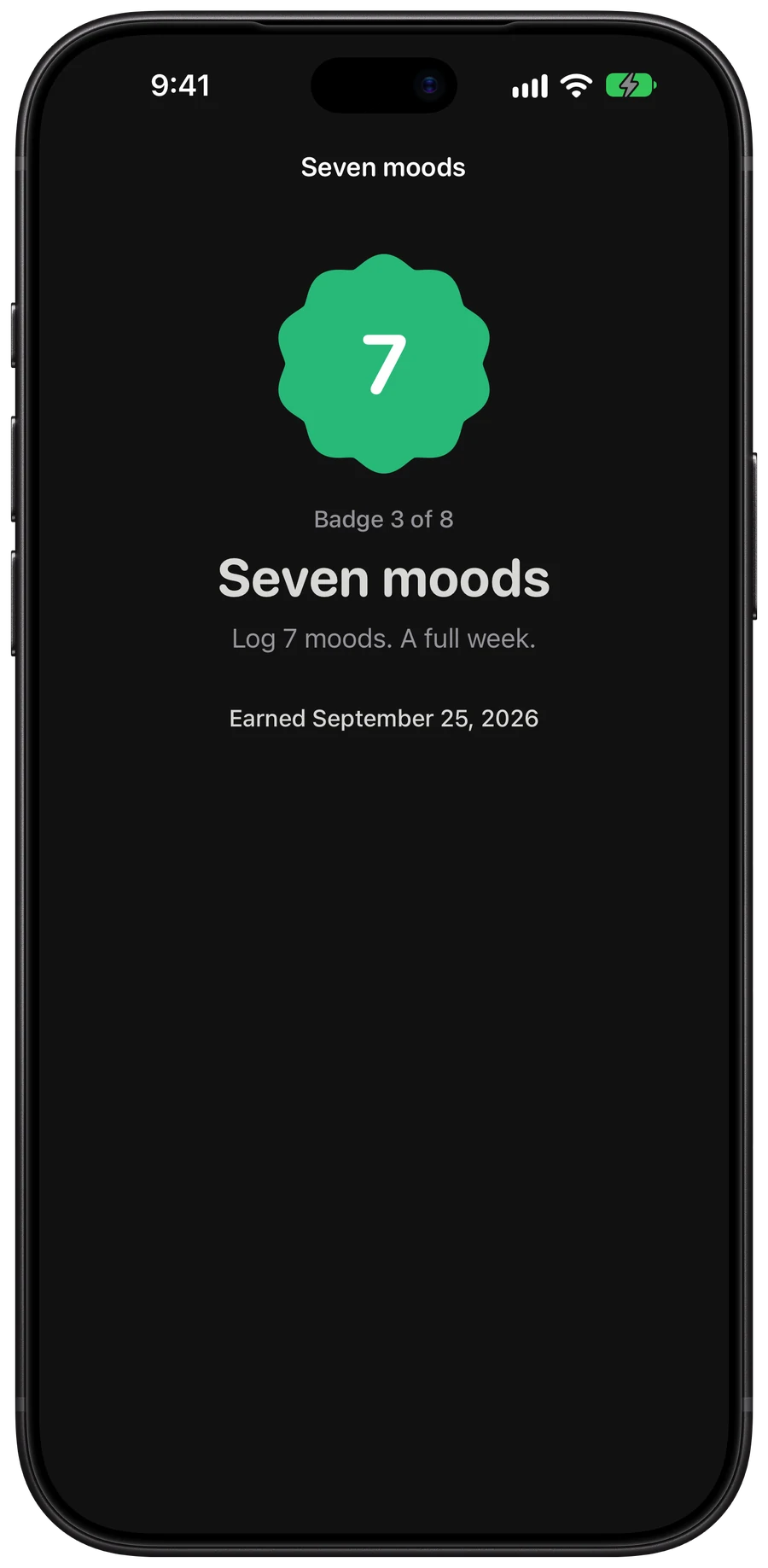
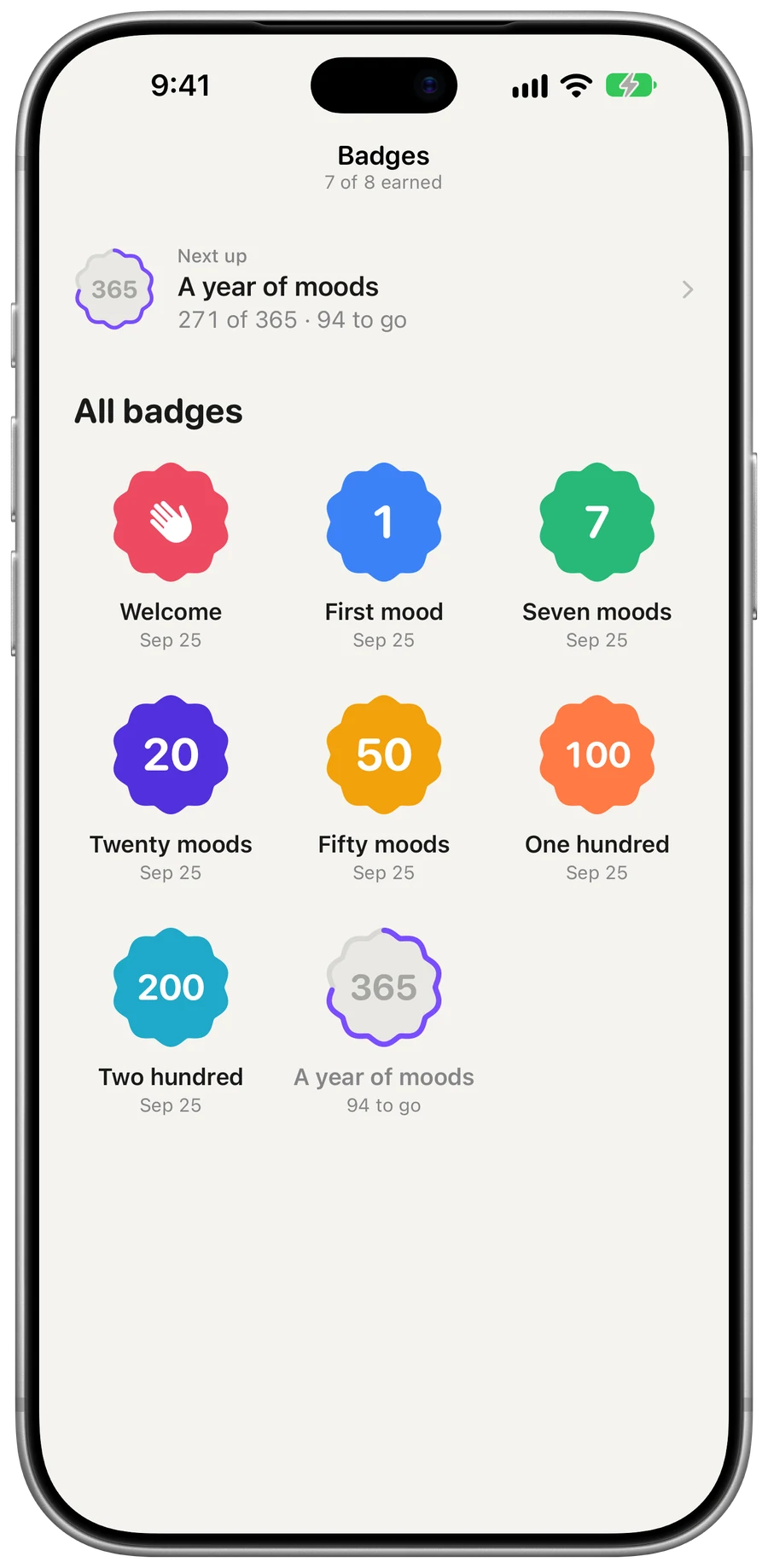
From your first mood to a full year of them. Locked badges show how close you are.
  • First mood
  • One hundred
  • A year of moods
Badges: seals for Welcome, First mood, Seven moods and more, with progress drawn around the locked ones.Badges: seals for Welcome, First mood, Seven moods and more, with progress drawn around the locked ones.

Open it up on iPhone Duo.

Two columns when it’s open, tabs in the side bar, and the phone you know when it’s closed.

See iPhone Duo support
iPhone Duo, closed, showing Home, with the morning sky, today’s check-in, the last 7 days and recent check-ins.iPhone Duo, closed, showing Home, with the morning sky, today’s check-in, the last 7 days and recent check-ins.
iPhone Duo, open, showing Wellness, with today’s score and signals beside the last 7 days and today’s insight.iPhone Duo, open, showing Wellness, with today’s score and signals beside the last 7 days and today’s insight.

Privacy

Your journal stays yours.

Health data stays on your iPhone
Steps, heart rate, and date of birth are read on device. Only the daily score syncs, and only if you turn Sync on.
No ads, no tracking
No advertising or analytics SDKs. Your journal is never sold or shared for marketing.
Delete everything in the app
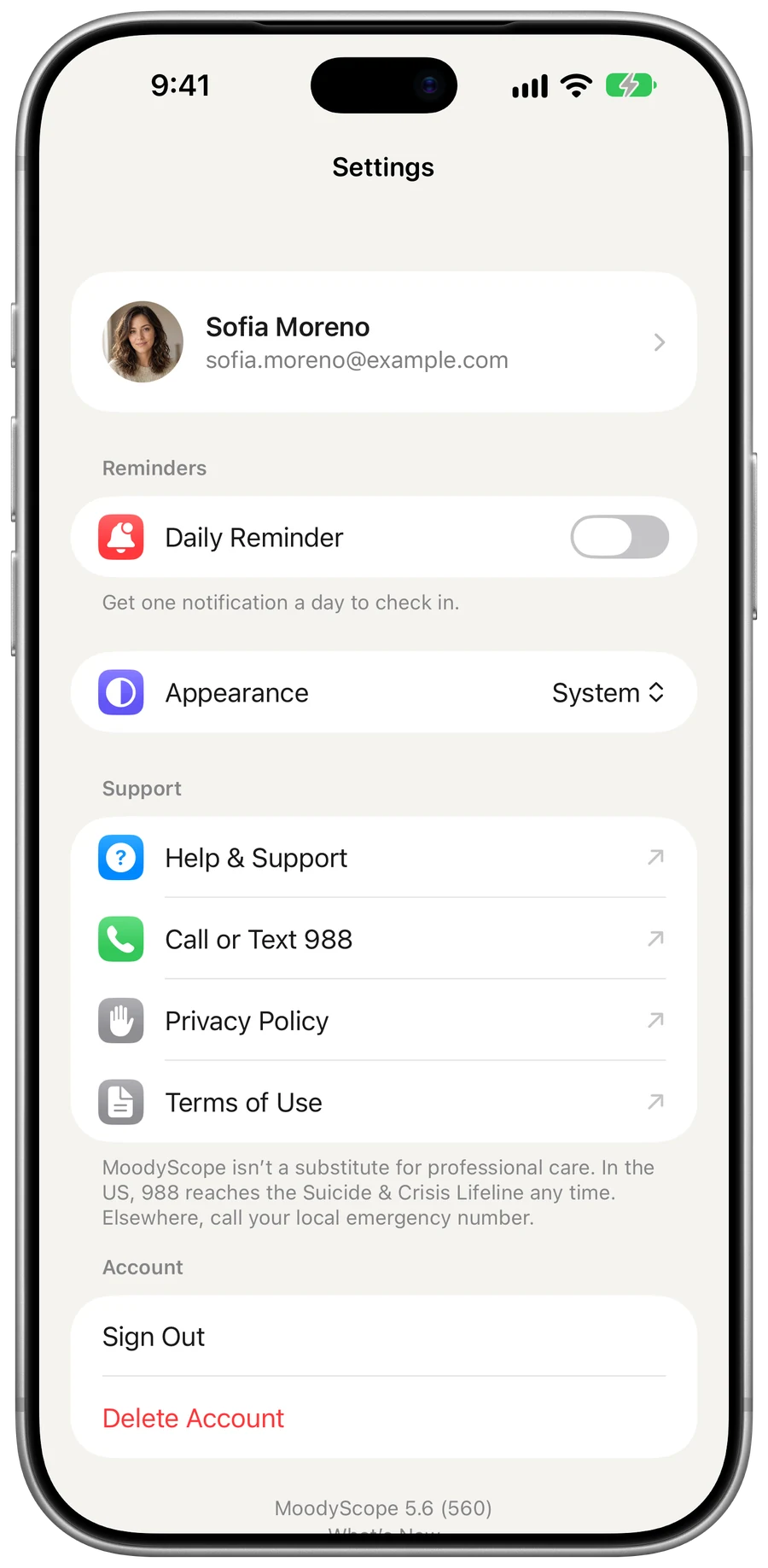
Settings → Delete Account removes your moods, reflections, badges, and photo.
Read the privacy policy

Check in tonight.

Free on iPhone and Mac. No in-app purchases or subscriptions.

Download on the App Store
iPhone
iOS 17 or later
Mac
macOS Sonoma 14 or later