Everything MoodyScope does.

Light and dark.

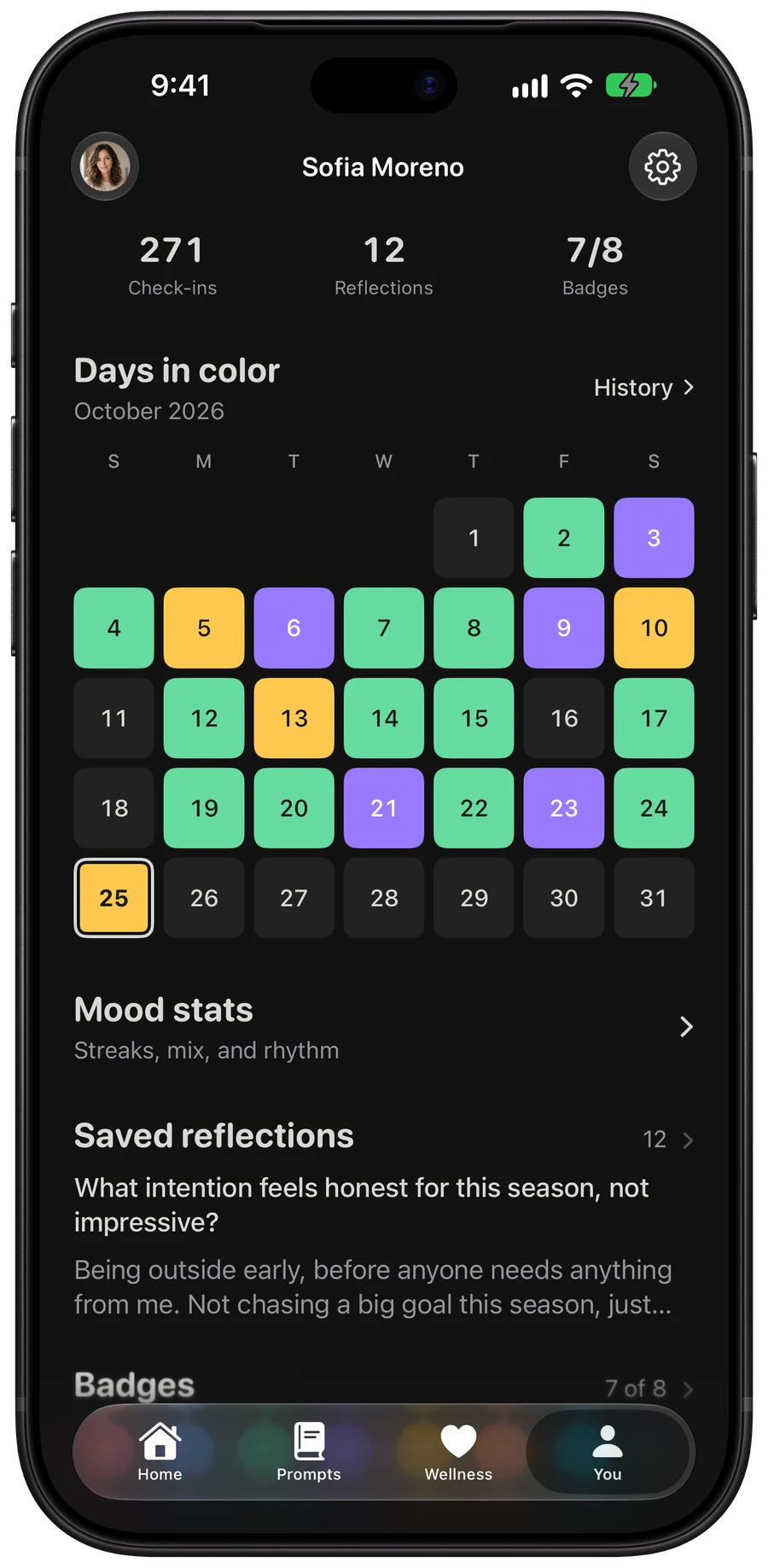
Every screen is drawn for both. MoodyScope follows your iPhone, or you can pick one in Settings.
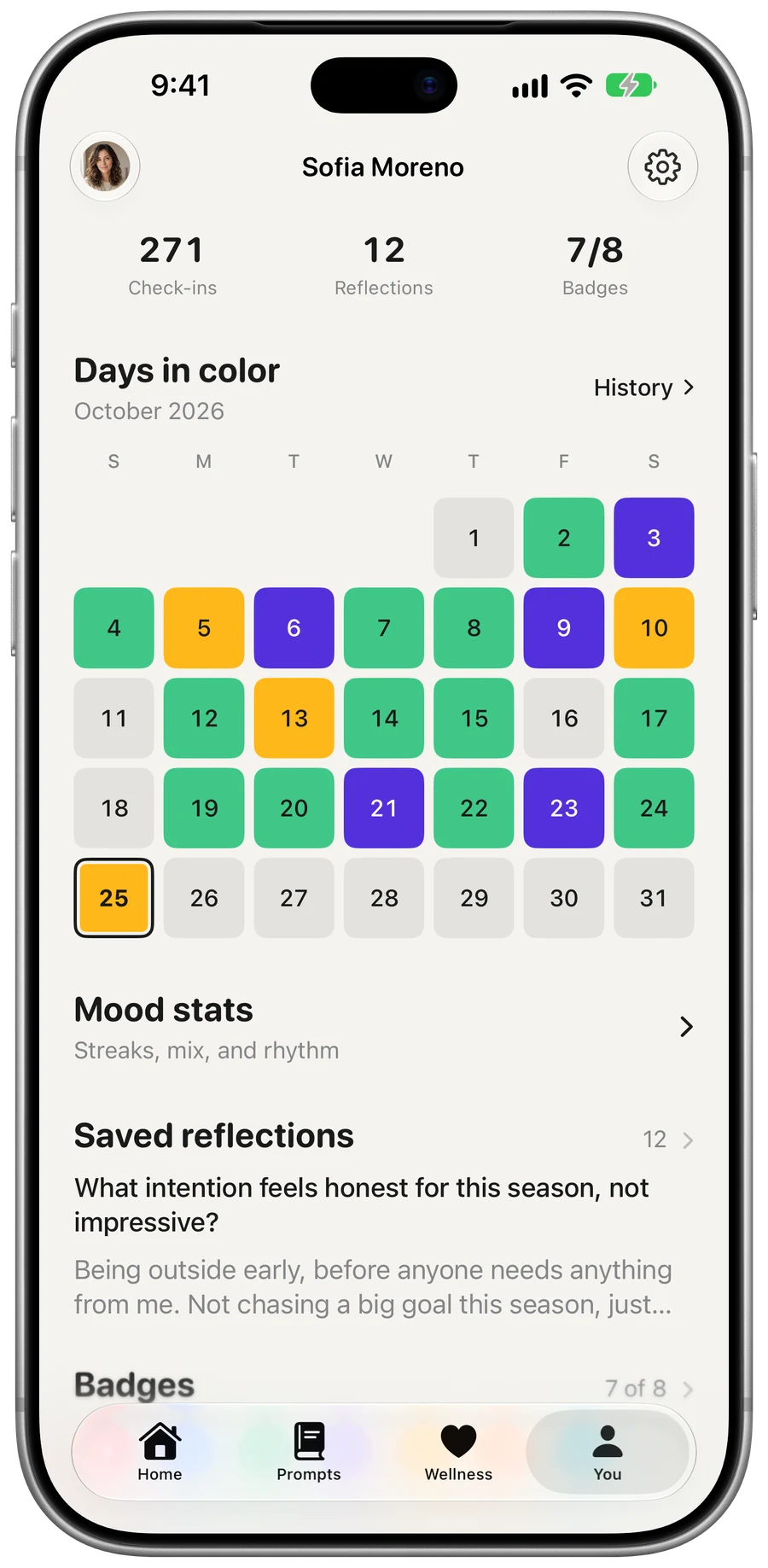
The You tab in light appearance.
The You tab in dark appearance.

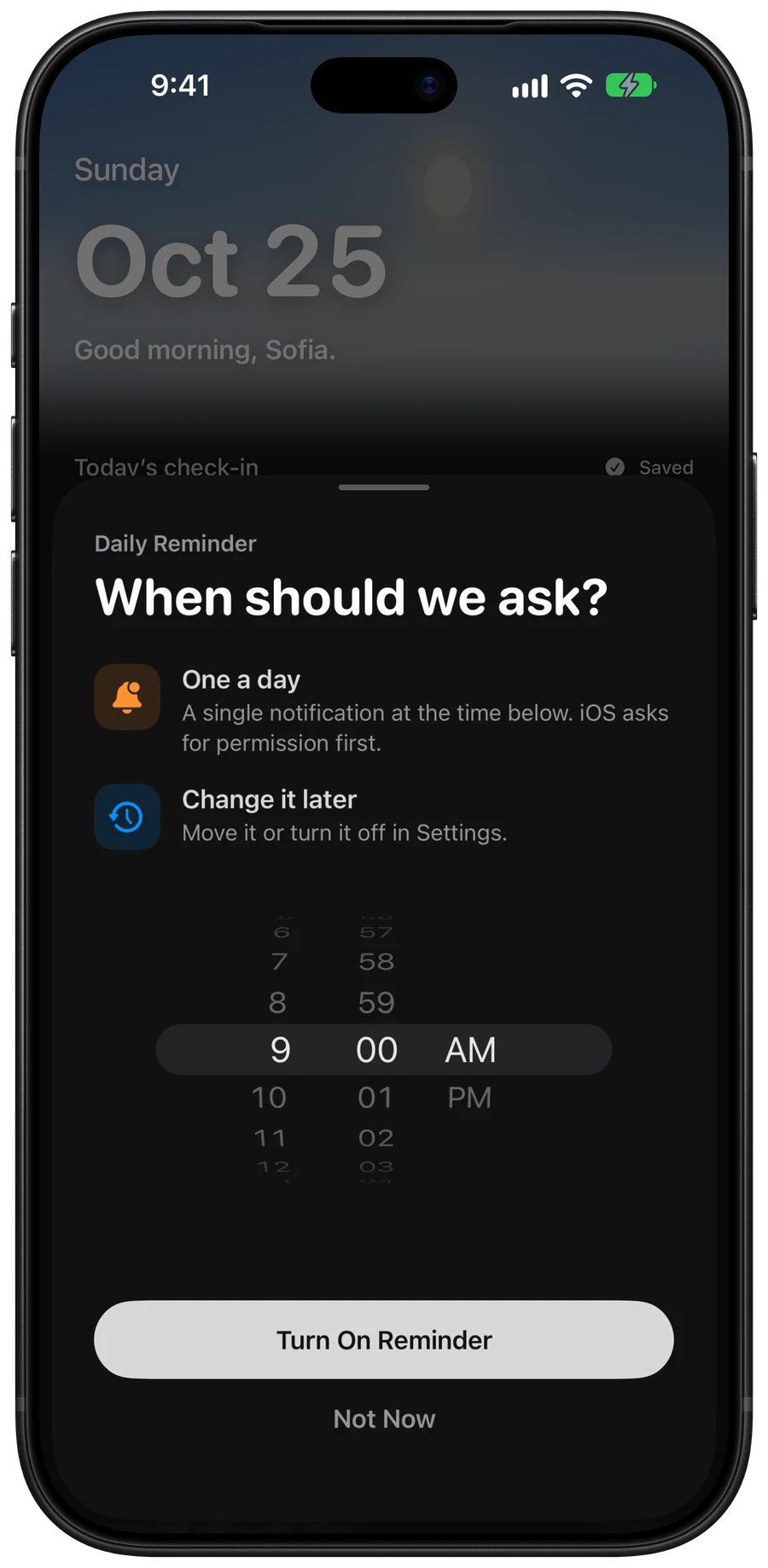
A reminder at your time.

Pick when you want a nudge to check in. Change it or turn it off whenever.
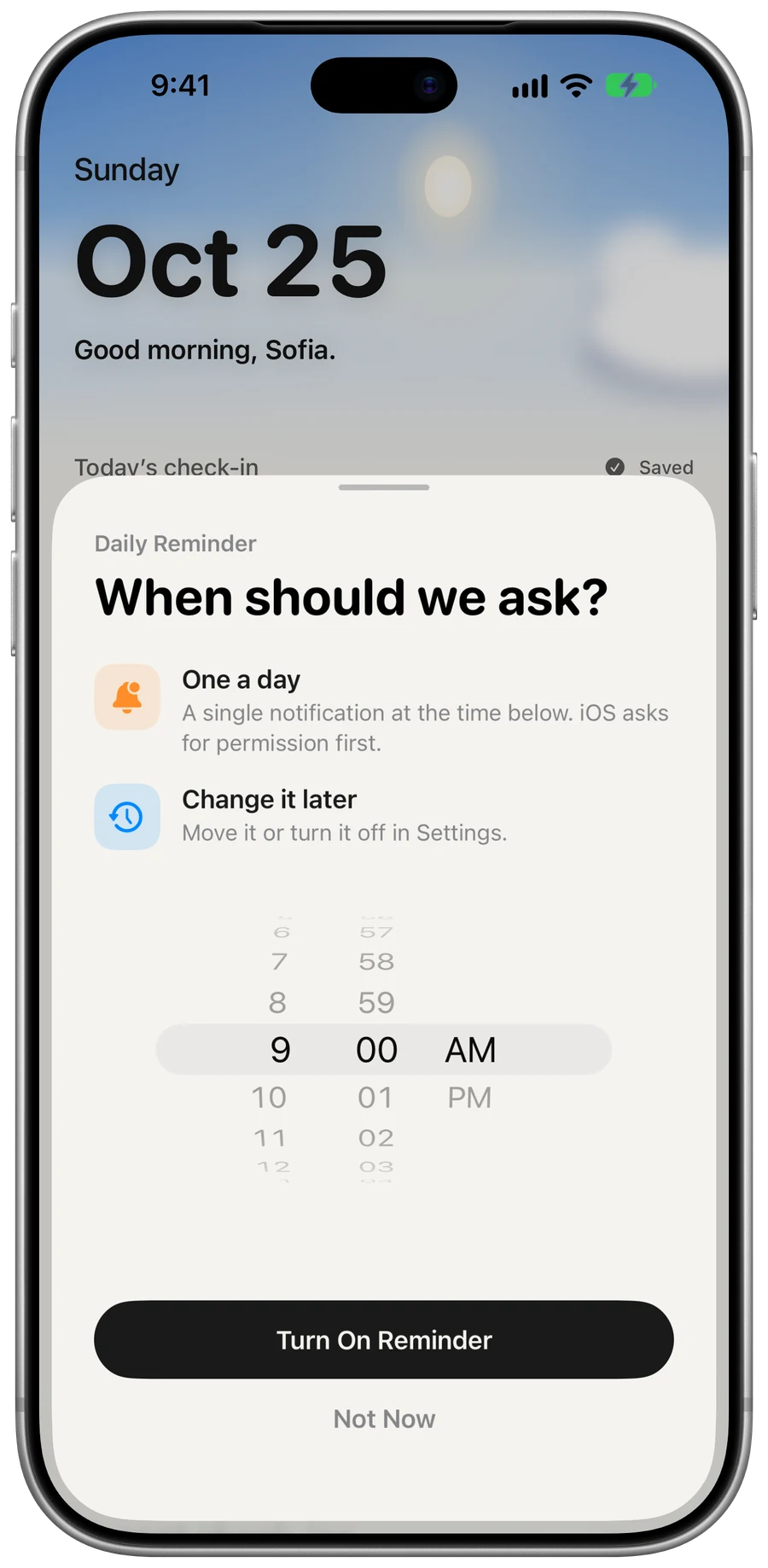
The daily reminder sheet over Home, with a time picker set to 9:00 AM.The daily reminder sheet over Home, with a time picker set to 9:00 AM.

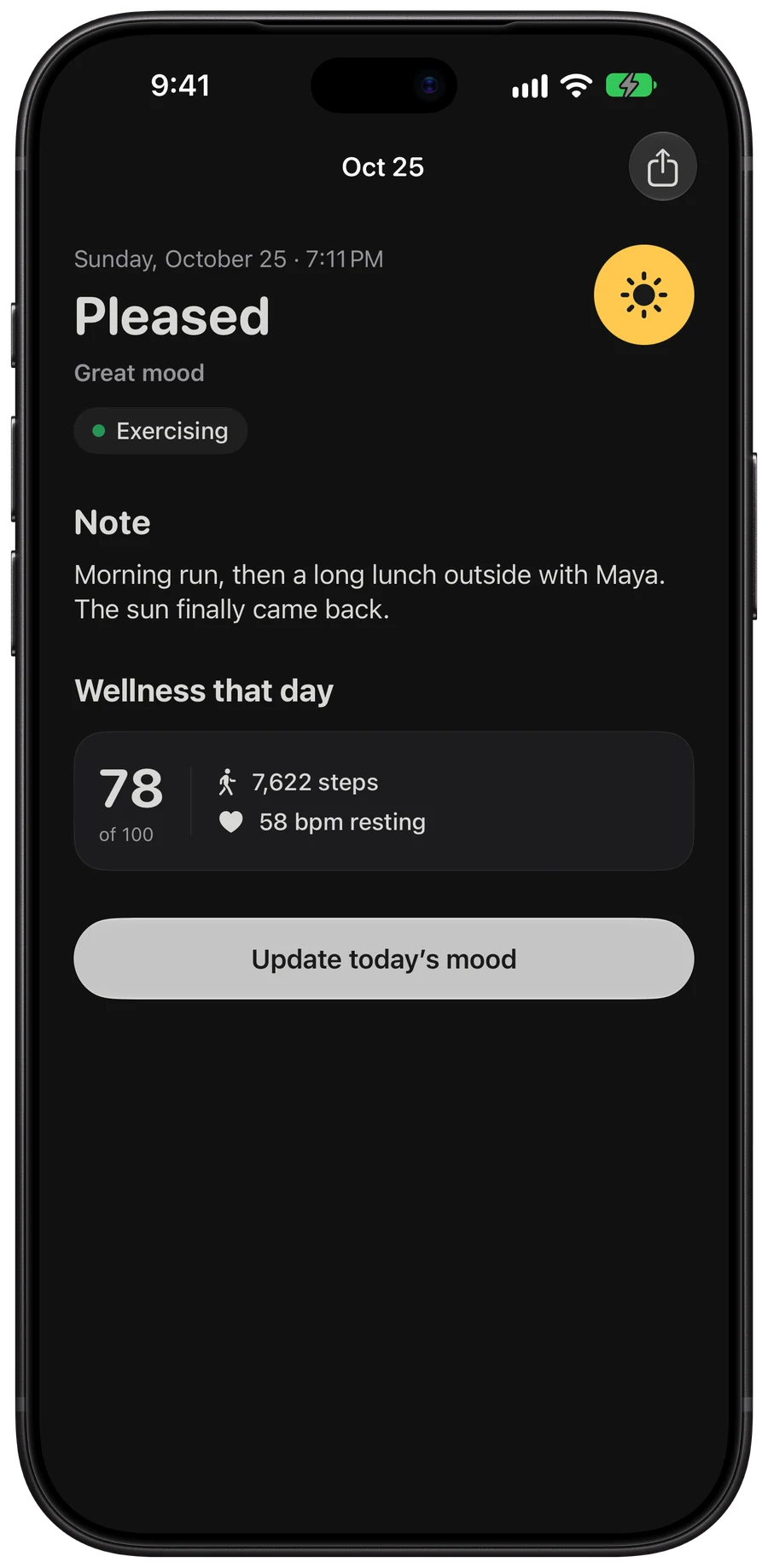
Share a day.

Send a day’s mood and note to someone, or keep it to yourself.
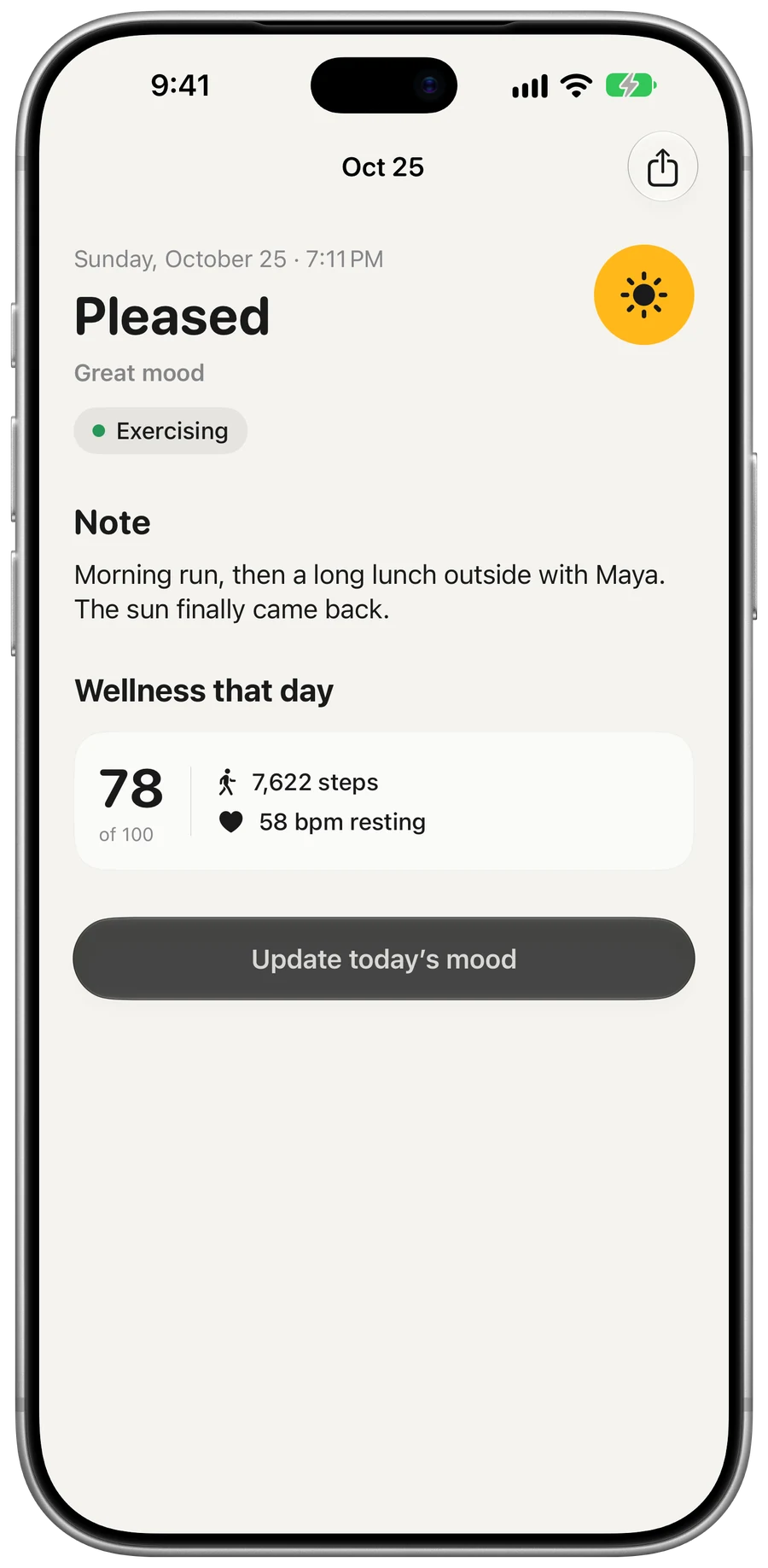
One day: Pleased, the note, what you were doing, steps and heart rate that day.One day: Pleased, the note, what you were doing, steps and heart rate that day.

Spotlight and Handoff.

Search for a day or a question from Spotlight, and pick it up on another device.
And the rest.

Check-in

  • Five moods. Awful is a thunderstorm, Low is rain, Okay is cloud, Good is partly sunny and Great is a clear sun.
  • Feelings. 27 to pick from, like Happy, Loved, Nervous and Tired.
  • Activities. 12, from Working and Studying to Gaming and Music.
  • Note. Optional, and you can edit the check-in later.

Looking back

  • Home. The sky follows the hour from your time zone, without your location, and clouds roll in with your mood.
  • Calendar. Every day in its mood color. Open one for its note, activity, steps and heart rate.
  • History. Every check-in with its weather, feeling and note. Filter by mood.
  • Stats. Average, streak and mood mix over the last 7, 30 or 365 days.

Prompts and Health

  • Prompts. A question a day from 365 across 15 topics, or pick your own.
  • Search. Find an answer by topic or by word.
  • Wellness. A daily score out of 100 from Apple Health: up to 50 for steps and 50 for resting heart rate.
  • Heart rate. Hour by hour, with each source’s average, like Apple Watch or Oura.

Everything else

  • Badges. Eight seals, from your first mood to A year of moods at 365.
  • Reminder. One notification a day, at the time you choose.
  • Mac. The same journal, with a menu bar check-in and keyboard shortcuts.
  • Delete account. Removes your moods, reflections, badges and photo.

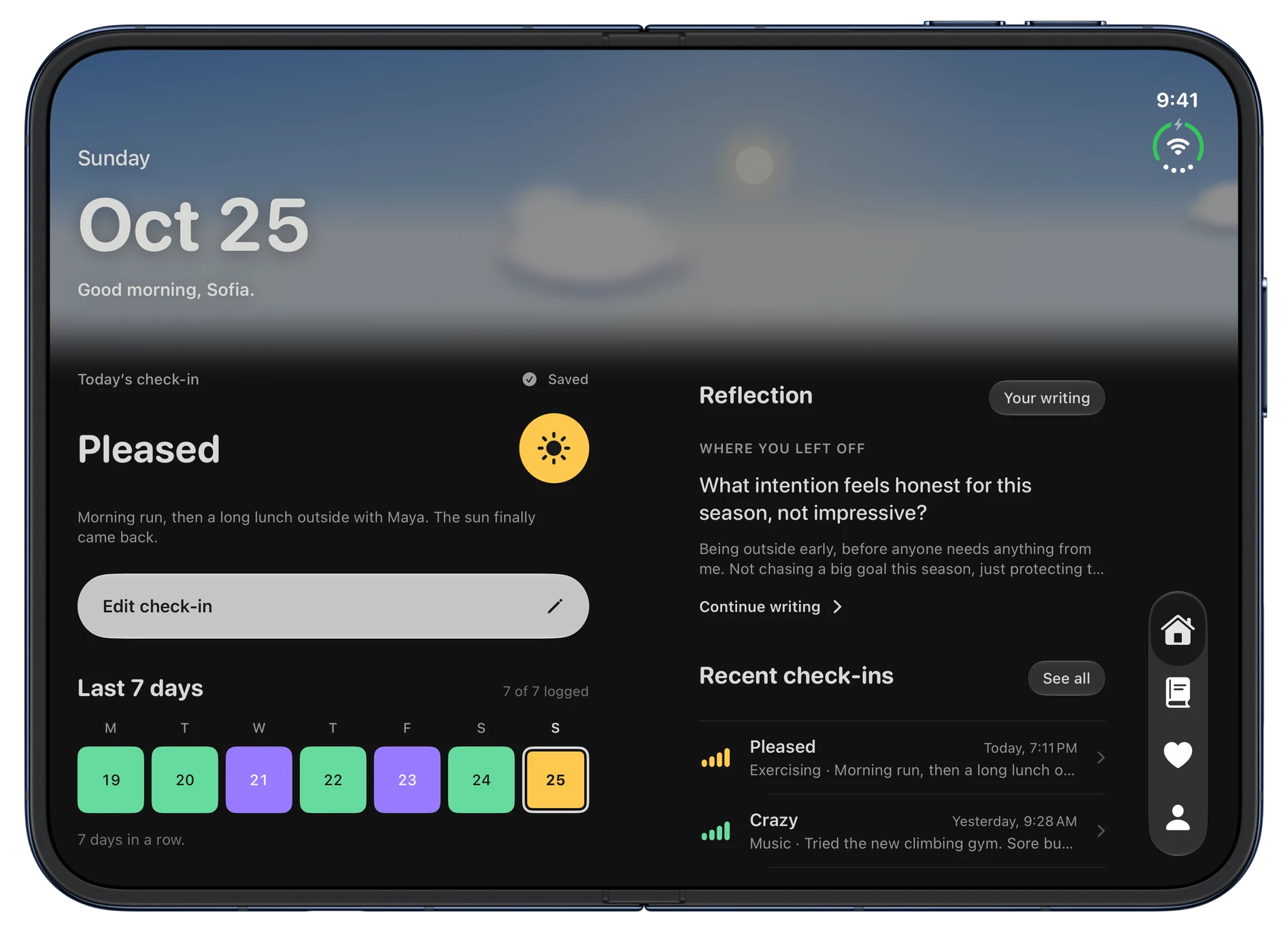
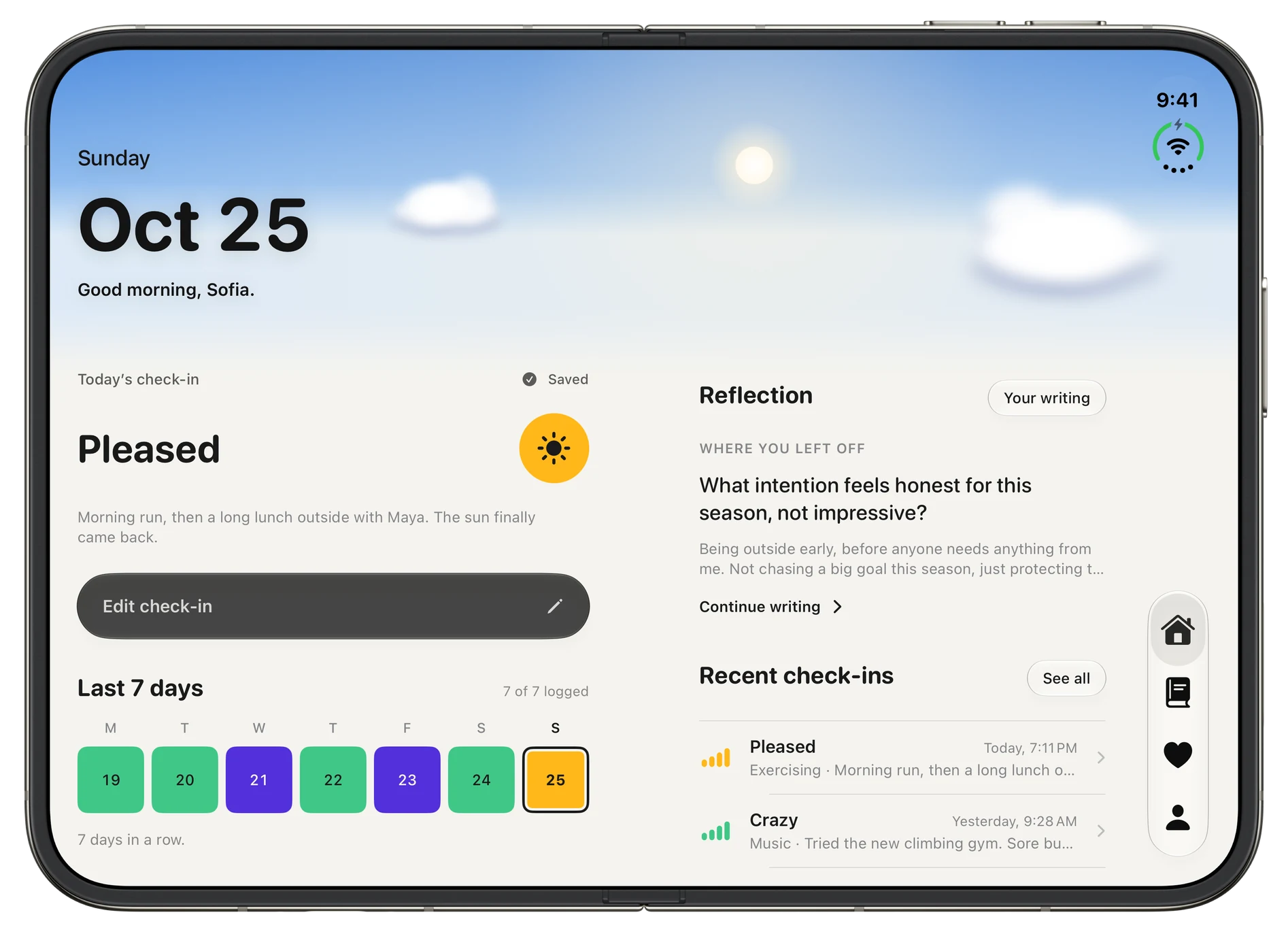
MoodyScope on iPhone Duo.

See what changes
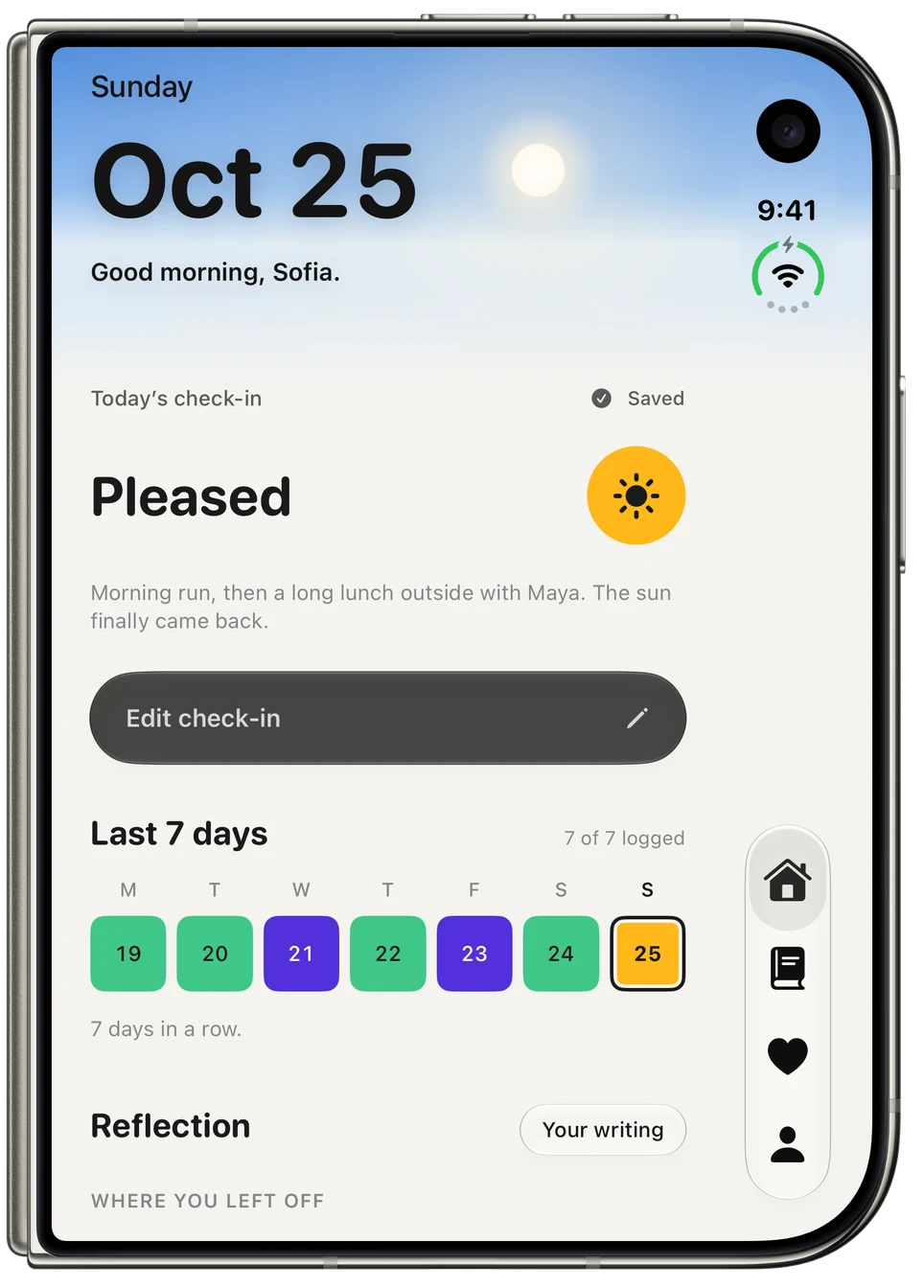
iPhone Duo, open, showing Home, with the morning sky, today’s check-in, the last 7 days and recent check-ins.iPhone Duo, open, showing Home, with the morning sky, today’s check-in, the last 7 days and recent check-ins.
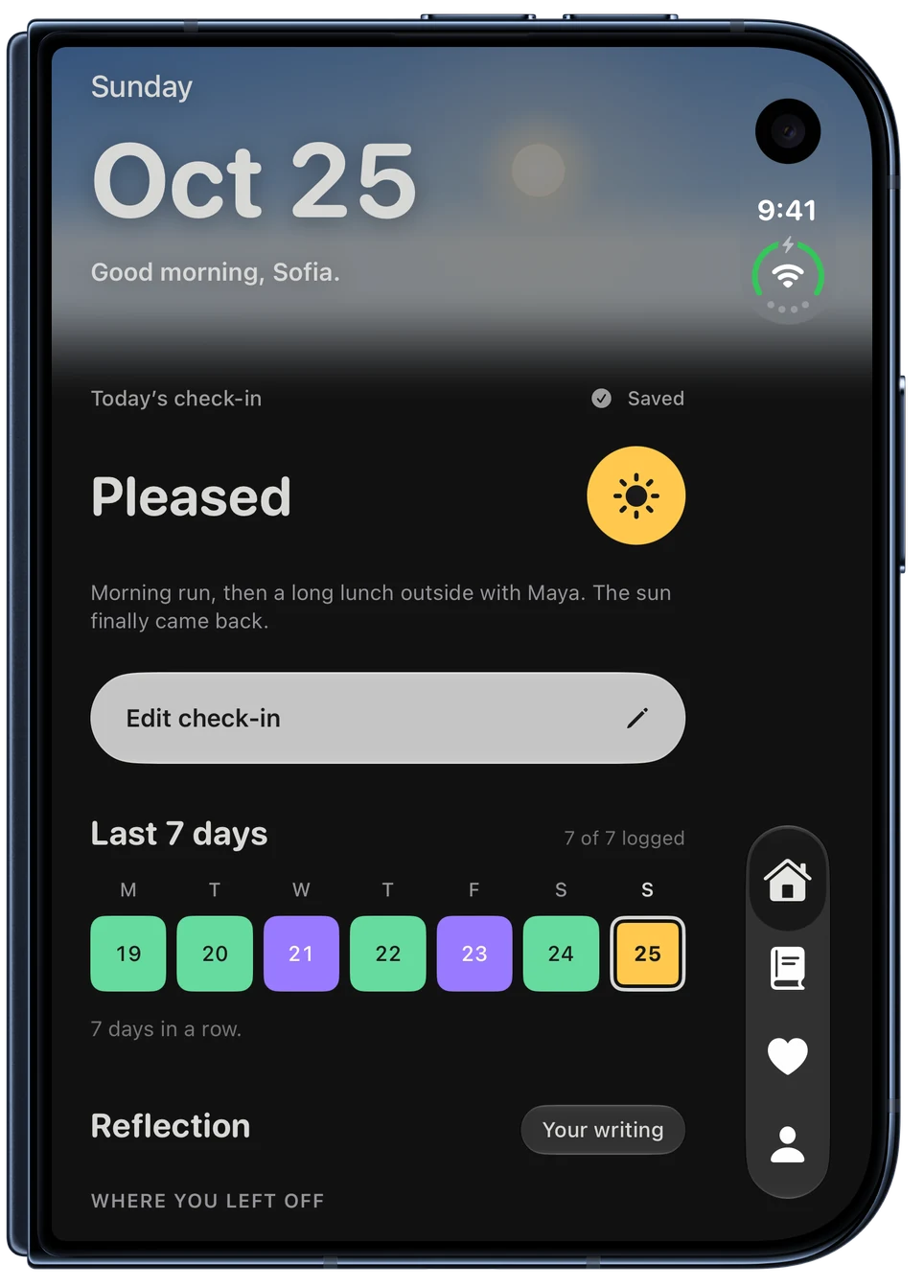
iPhone Duo, closed, showing Home, with the morning sky, today’s check-in, the last 7 days and recent check-ins.iPhone Duo, closed, showing Home, with the morning sky, today’s check-in, the last 7 days and recent check-ins.